
Understand the business.
Visitors immediately see the services, location and type of customer the business helps.
WEBSITE GENERATORS FOR ROOFERS & HVAC
Choose a Roofing or HVAC template, or generate a design from your business details. Preview, edit and download your website. Google Maps import is optional when available.
Two trades. Two dedicated generators.
Your business website should match how customers choose your services. Its layout, examples of your work and contact options should reflect the way your business works.
Explore all industriesDedicated to roofing businesses.
Built for the way roofing customers decide: understand the service quickly, see credible local proof, and know exactly how to request an estimate.
Dedicated to heating & cooling businesses.
Show your services, explain the next step and help customers get in touch. A website built around the way your HVAC business works.
Choose the starting point that fits your work.
Choose Roofing for roof repairs and installations. Choose HVAC for heating, cooling, ventilation and maintenance. Each has its own questions, content and design brief.
Your website stays focused on your trade and the services you actually offer. More dedicated industries will follow.
Explore both generatorsChoose a roofing template or generate a design from your business details. Preview the whole website, then edit it your way.
Create your website Start with a Google Maps link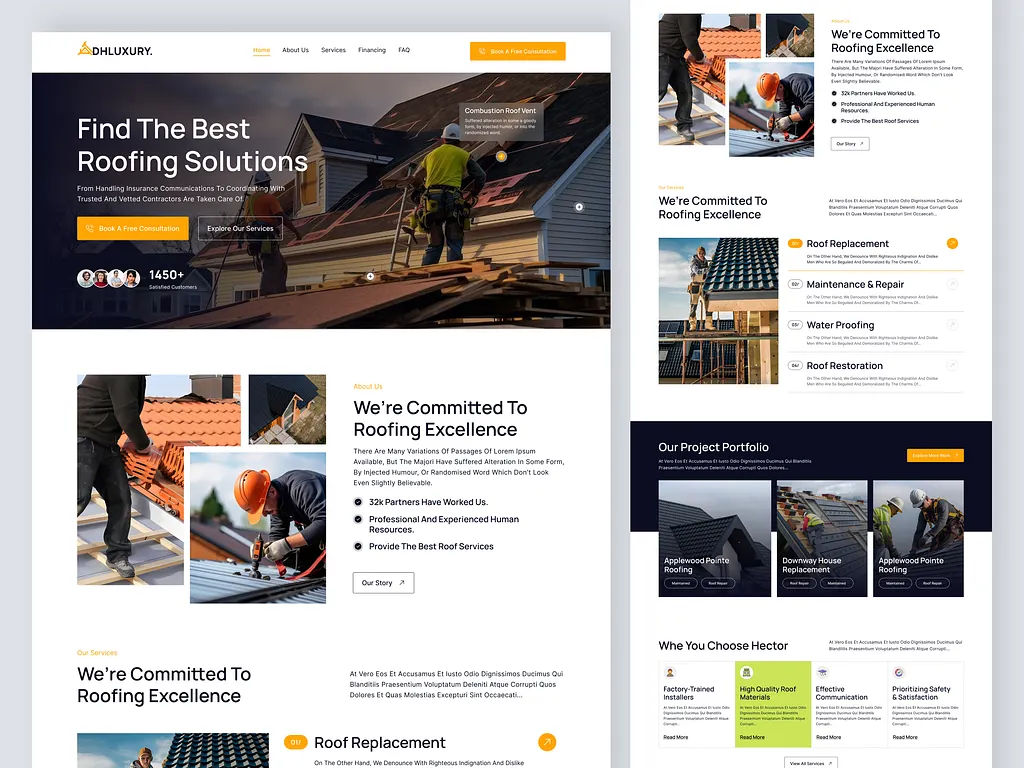
Choose a ready-made Roofing or HVAC template or have a design generated from your brief. Add your business details, or use Google Maps import when available. You keep control of the final result.
Choose my generatorEnter your name, phone, email and business description, or use a Google Maps business link and your email when import is available.
Templates open with your selected design. If you choose AI generation, follow the progress page while your design is created; busy periods can take longer.
Review desktop and mobile, edit the content and photos, then download your website or request launch help.
Free to start. Yours to edit. Roofing and HVAC templates are unlimited. AI generation includes five requests, shared across Roofing and HVAC. No payment details are needed.
The website answers the important questions in the order people naturally ask them, then keeps the right contact action within easy reach.
Visitors immediately see the services, location and type of customer the business helps.
Add your real reviews, credentials and project photos to styled sections that help visitors understand your work.
Calls, forms and enquiry actions stay clear across desktop, tablet and mobile.
Change the words, photos and colors. Move sections where you want them. Save your website and take it with you.
Open the builder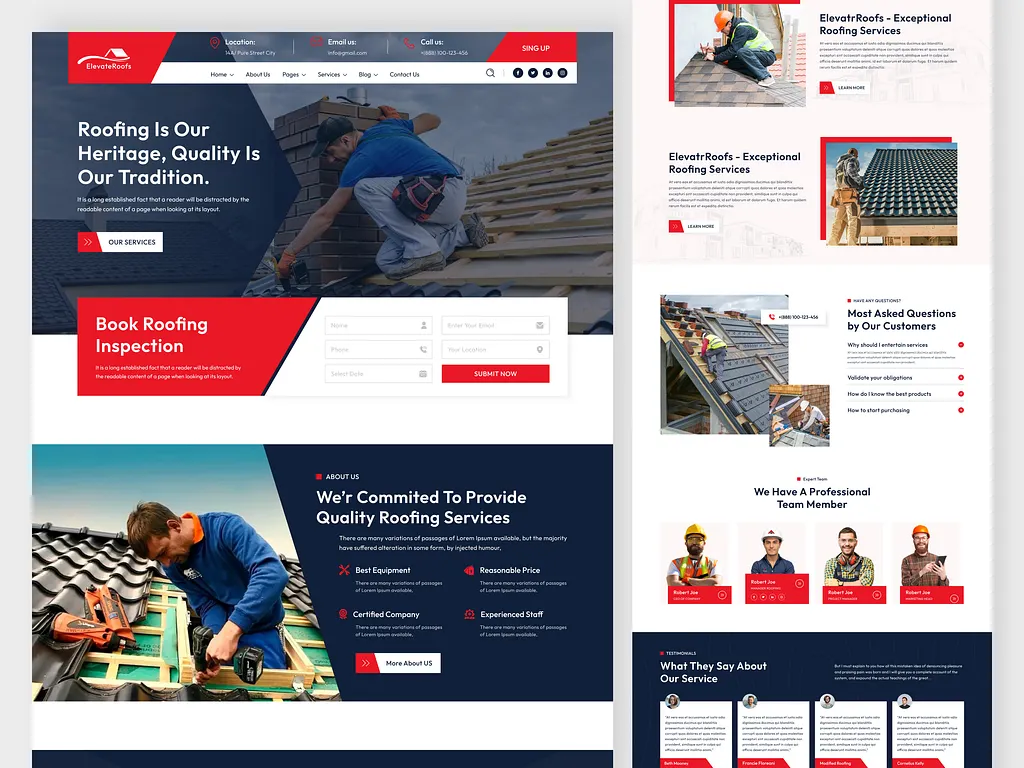
Keep the files, ask us to put the website online, or talk to us about a fully custom build. Every choice stays on the builder page.
Download your website and images. Use compatible PHP hosting with outgoing email for the included quote form.
Build and download ↗ 02Choose a launch package in the builder and review its scope and terms before checkout. After payment, we will contact you within 24 hours to arrange the next steps.
Ask for launch help ↗ 03Tell us what the business needs and our team will contact you within 24 hours to discuss a tailored professional build.
Request a custom build ↗WEBSITE GENERATOR FAQ
What the generator creates, which industries are available now, and what happens after the preview.
Read every questionRoofing and HVAC businesses are supported now, each with a dedicated generator. Choose your industry to create a one-page website with relevant services, business details and contact options.
All 100 roofing and 100 HVAC templates are free to use, edit and download without a template limit. Keep the linked platform credit in free downloads. Design generation includes five requests shared across Roofing and HVAC in your browser. Hosting, domains, launch help and custom work are separate.
Choose a Roofing or HVAC template if you want to preview a finished layout before entering your details. Choose generation for a design based on your business brief. Both let you preview, edit and download your website.
Google Maps import is optional and may be unavailable. When enabled, select your industry, choose Google Maps and provide your business listing link and email. Supported listing details can help prepare the website. Review them and add your own services and photographs. If the lookup cannot find your business, enter your details manually.
Yes. You can change your text, images, colours and sections, save your changes and download the website files. No subscription is required for these features. Keep your project link and use the same browser to return.
The designs use responsive layouts. Check your own content in desktop, tablet and mobile preview before downloading, especially long service names, phone numbers and photographs.
No. Downloading gives you the website files. You can upload them to compatible hosting or request launch help. A working enquiry form also needs outgoing email and the form security settings described in the download instructions.
Roofing and HVAC businesses can start today. Choose a ready-made template or use business details and your email to generate a design. Edit it and download when you are ready.