

Can you handle the roofing work I need?
Your roofing services.
Repair, replacement, inspection, storm damage and the services you actually selected.
Choose a ready-made roofing template or generate a design from your business details. Add your information, then preview, edit and download. Google Maps import is optional when available.
Start with a roofing template or use your business details to generate a design. Edit the words, add your project photos and arrange the sections your business needs.
Tell us about your business, or use a Google Maps business link when import is available. Add your email. Choose a freshly generated website or one of 100 complete roofing templates. Keep the design you select, then edit your text and photos.
Generate my roofing websiteThe generated page puts the answers that matter most where customers can actually find them.
Repair, replacement, inspection, storm damage and the services you actually selected.
Town, surrounding areas and an optional Google Map make local coverage clear.
Large roofing photography and your own completed-project images get proper visual space.
Phone, email and a roofing quote form are built into the finished website.
Give your business a website you are proud to share. Add your own photos, change the wording and arrange each section in the editor.
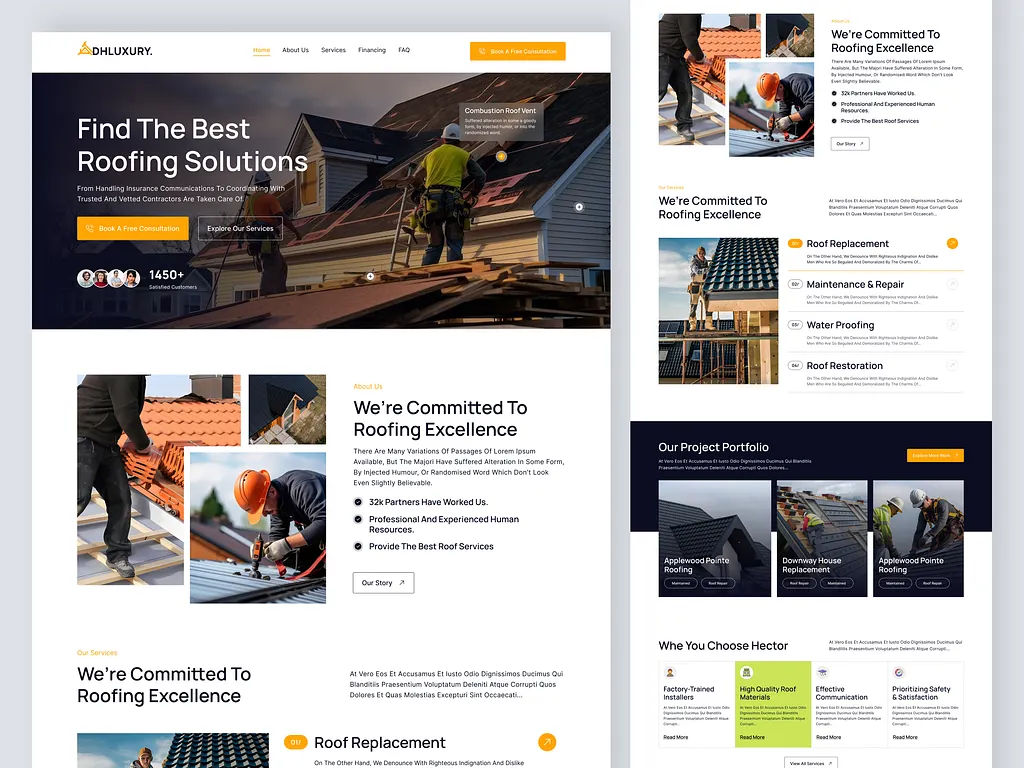
Preview the complete page, make your changes and take your website with you. You can also choose a different starting design.
Check the complete page at a real desktop width and switch to the mobile view before changing anything.
Try another roofing template without a template limit. If you use AI generation, new designs and regenerations share the five-request allowance.
Change only the text, images, colors or sections you want. Save your changes before downloading.
Take the ZIP yourself, ask Devnix Digital to launch it, or request a fully customized website.
The Roofer Builder is designed for a complete one-page business website, not an unfinished theme.
Yes. Start with a roofing template or generate a design using your business name, phone, email and a short description. Preview the result, then use the editor to change the content before downloading.
Yes. You can use, edit and download any of the 100 roofing templates without a template limit. Keep the linked platform credit in free downloads. Template selection does not use the separate allowance of five AI-generation requests. Hosting and optional launch services are separate.
You can describe the roofing services your business actually provides and edit the service sections. Add relevant roof types and materials, such as flat roofs, tiles or metal roofing, when they match your work.
Use the additional details step to add your business address, towns or areas served, logo and project photographs. You can also replace photographs and edit those sections after the website is created.
Yes. Designs include editable sections for business information such as customer reviews and credentials. Template examples are not verified claims about your company; replace them with genuine reviews and accurate certification details before publishing.
The website includes contact options and an enquiry form addressed to your business email. The form is inactive in the editing preview. Delivery after launch requires compatible PHP hosting, outgoing email and your own Turnstile settings.
Yes. Download your saved website and upload it to compatible hosting connected to your domain, or request launch help. Check the mobile preview and replace example business details before making the site public.
Start with your details. Google Maps import is optional when available.