
Your business.
Your website.
Here’s how.
Choose Roofing or HVAC and start with the information you have. Finish with a website you can edit and download.
Create your websiteBring your
business.
Choose your industry, then enter your business name, phone, email and a short description. When Maps import is available, you can instead paste your business listing link and add your email.
See your
first design.
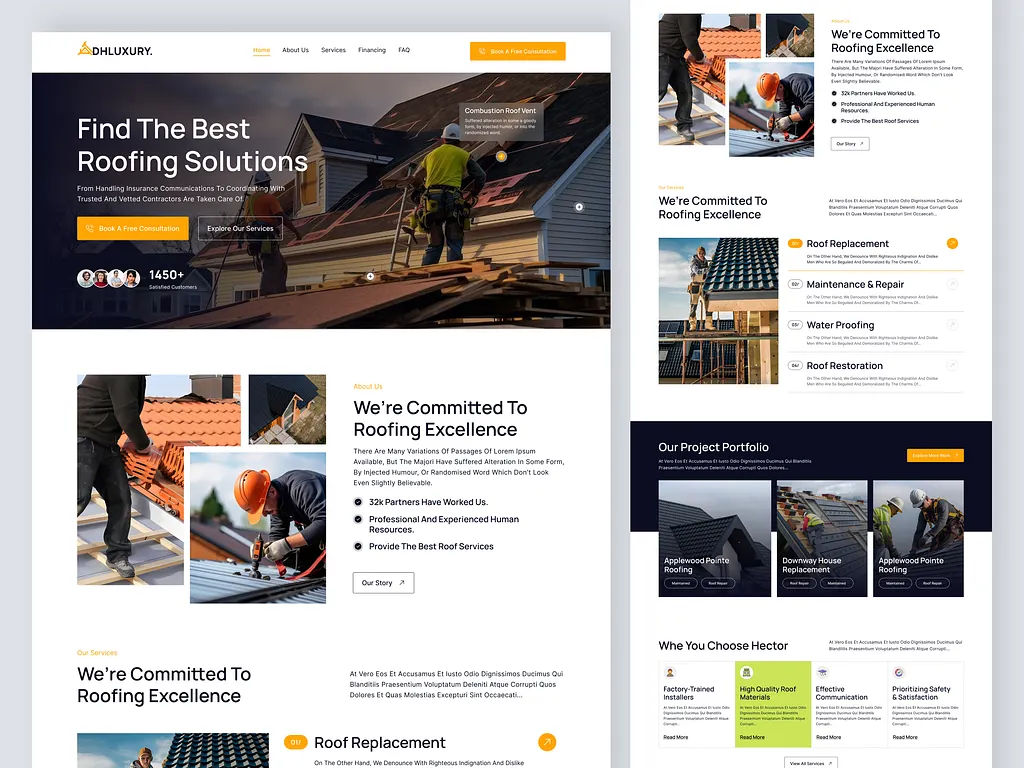
For Roofing or HVAC, choose from 100 templates for your trade or generate a design from your brief. A template opens with the design you selected; generation shows a progress page while your request runs.
Make
it yours.
Change text and photographs. Adjust colors. Move or add sections. Check your business details and the mobile preview before you save.
Want another direction? Roofing and HVAC template use is unlimited. AI generations and regenerations share a separate five-request allowance. Editing and downloading saved websites remain available afterward.
Take it
online.
Download the website files or ask us to help with launch. Upload the full package, connect your domain and enable HTTPS. The included quote form needs compatible PHP hosting, outgoing email and your own Turnstile settings. Test a live enquiry before sharing your website.