Website adviceWebsite planning
Choose a contractor website layout that fits your content
Compare templates using your real photographs, services and contact process, with a practical scorecard for desktop and mobile previews.

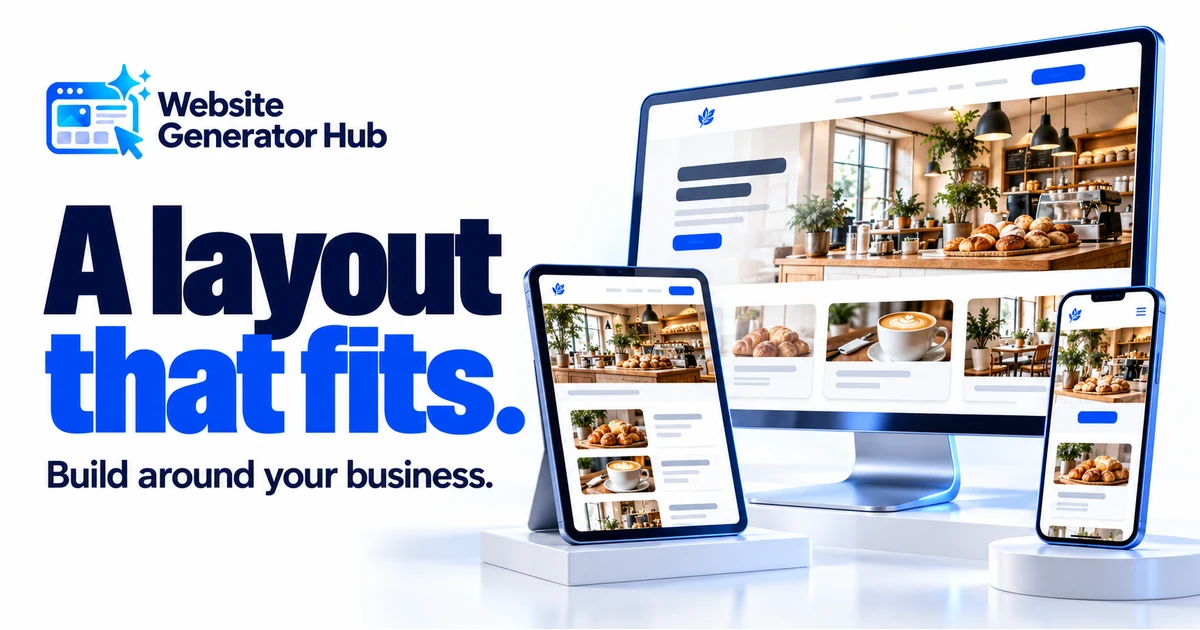
The best-looking template thumbnail is not always the best starting point for your business. A layout built around a large project gallery may feel incomplete if you have two usable photographs. A prominent appointment form may promise too much if your office needs a phone conversation before arranging a visit.
Compare layouts using your real content and the action you want visitors to take. This gives you something more useful to judge than first impressions.
Make a small content inventory first
Write down your business name as it will appear, your main services, your preferred contact route and the photographs you are ready to use. Note any genuine reviews, project descriptions and credentials. Mark missing items so you do not mistake demonstration content for a completed website.
Choose a main action: call, request an inspection or enquire about a service. Make that next step clear.
| Content you have | Layout worth comparing | What to check in the preview |
|---|---|---|
| Several strong completed-project photos | A photo-led opening and project gallery | Crops still show the important work |
| Few photos but clear service explanations | A balanced text-and-image layout | Sections feel complete without repeated images |
| A phone-led enquiry process | Visible phone number and clear contact buttons | The number remains easy to find on a phone |
| Several distinct service categories | A strong service overview | Visitors can compare the categories without guessing |
| A longer business name | A flexible header and straightforward logo area | The name fits without tiny lettering |
Avoid a design whose strongest feature depends on content you cannot supply.
Compare three complete pages, not thirty first screens
Open a small shortlist from the roofing template collection or the HVAC template collection. Scroll all the way from the header to the footer. Notice how each page moves between service explanations, evidence and contact options.
Test each candidate with your business name, longest service name and opening photograph. Remove sections that do not apply.
Use a simple scorecard, with each item marked Fits, Needs work or Does not fit:
- The opening explains the business before the visitor needs to scroll.
- The service section matches the number and type of services offered.
- The available photographs fit the spaces provided.
- The contact route matches how the office handles enquiries.
- The page still feels complete after unsupported example claims are removed.
- The mobile version makes the same important information easy to reach.
Prefer the fewest content mismatches. Adjust colours rather than inventing projects to fill an unsuitable layout.
Test the design with realistic words
Template copy is often short and carefully fitted to its space. Your business name and services may be longer. Before judging the finished result, replace the main heading and at least one service description with realistic text.
For example, a short demo label such as “Cooling” might become “Heat pump installation and replacement”. Check whether the card height, button and neighbouring cards still make sense. Do the same with an actual review of ordinary length, not a two-word quotation chosen to fit.
Keep text editing separate from factual invention. A review card, opening-hours panel or certification strip is a place for your information. It does not establish that the demonstration facts belong to your business. Follow the template setup guide when moving from a preview into your own website.
Look at photographs as part of the layout
A photograph can be excellent and still unsuitable for a particular crop. A wide roofscape may work in a banner but lose its useful details in a narrow card. A portrait of a technician may fit an about section better than a background behind a large headline.
Check the subject at every screen size. Roof edges, equipment, faces and hands should not disappear behind text or outside the crop when they are important to the image. Replace the picture or choose a different image position before making the text smaller to compensate.
A relevant project image may explain your business better than a dramatic photograph of work you do not do.
Review mobile content and interaction
A mobile preview is more than a smaller screenshot. Open the menu, follow a contact button, expand a question and move through any gallery. Check that a sticky call bar does not cover the last field of the enquiry form.
Google's mobile-first indexing guidance explains that Google uses the mobile version of content for indexing and ranking. Keep important service information available on mobile instead of removing it merely to shorten the page.
Also review keyboard use, visible focus, image descriptions and form labels. W3C's Easy Checks provides a useful starting review, while making clear that preliminary checks are not a complete accessibility assessment.
If a slider or animation makes it harder to read the page, choose a calmer presentation. Motion should help explain or navigate the content, not require the visitor to wait for a phone number or service description to appear.
Understand what can change after selection
Check the editing and export workflow before spending time on detailed changes. Builders differ: Wix's template help has separate questions about mobile layouts, changing templates and exporting. Do not assume that a feature works identically across products.
On WebsiteGeneratorHub, ready-made templates can be used, edited and downloaded without spending a generation request. Your job is to personalise the selected page and check the result. Save the version you want to keep before experimenting with major changes, and review any new layout with your business content again.
Use Edit and check your website for the practical review. When the page is ready, the download and preview guide explains the next step. A successful selection is one you can finish honestly, read comfortably and hand to a customer without explaining where to click.
Frequently asked questions
Should I pick a template from my own trade or just choose the colours I like?
Start with the correct trade so the service and project structure is relevant. Then compare the layout with your content. Colour can be adjusted, but a page built around work you do not offer creates more editing and more chances to leave an inaccurate claim behind.
What if I like a layout but do not have enough project photographs?
Compare how it looks with the gallery reduced to your usable images. If the page depends on large photo sections throughout, a layout with more service explanation may be easier to finish. Avoid repeating a few photographs merely to keep every demonstration card filled.
Can I use a ready-made template and download the edited website?
Yes. WebsiteGeneratorHub supports editing and downloading its ready-made roofing and HVAC templates. Template use does not spend the five-request generation allowance. Review your saved page and its business details before downloading; hosting and a live domain are separate from obtaining the files.
Is checking the mobile preview enough before I publish?
It is an important check, but also use the actual links, menus, enquiry form and any sliders. A page can look tidy while a control does the wrong thing. Repeat the review on the published website, where domain settings, email delivery and real devices affect the experience.
What should I keep before trying a different design?
Keep a saved copy of the website you want to retain, along with your business text and original images. After any major layout change, check contact links, reviews, photograph crops and form details again. Do not assume content will appear correctly in a different arrangement without review.
Does a polished template make my website ready for search engines?
It is a starting design, not a ranking result. Finish the page with accurate, useful business content and review the published site. Check that the mobile layout retains the important information. Choose a template for how well it serves your customers rather than a promise of automatic search visibility.
Sources & further reading
Sources checked .