Website adviceBusiness websites
What should you write on your business website?
Write clearer contractor website copy with headline, service, about and contact templates, plus examples and checks for accurate business claims.


The short answer
What should you write on your business website?
Good contractor website copy tells a customer what you do, where you work, why the information is credible and what happens after they contact you. Write those answers before choosing a slogan. The templates below help you organize the facts, with examples for roofing and HVAC businesses that you can adapt to your actual services.
What to remember
- Lead with the service and location instead of a broad promise.
- Replace unsupported praise with details a customer can check.
- Make every button describe its next action.
My recommendation: Write the service, location, evidence and next step in plain language. A clear sentence about the work you accept is stronger than an impressive-sounding slogan that could describe any company.
- Lead with the service and location instead of a broad promise.
- Replace unsupported praise with details a customer can check.
- Make every button describe its next action.
- Check all demonstration content before publishing.
Your home page does not need to sound like an advertising agency. It needs to sound like a capable business answering a sensible inquiry. If a customer would ask “What does that mean?”, make the sentence more specific.
The bracketed fields in this article are intentional copy templates. They are not finished claims about your business. Replace them with real information, and remove any statement you cannot support.
What should the first headline say?
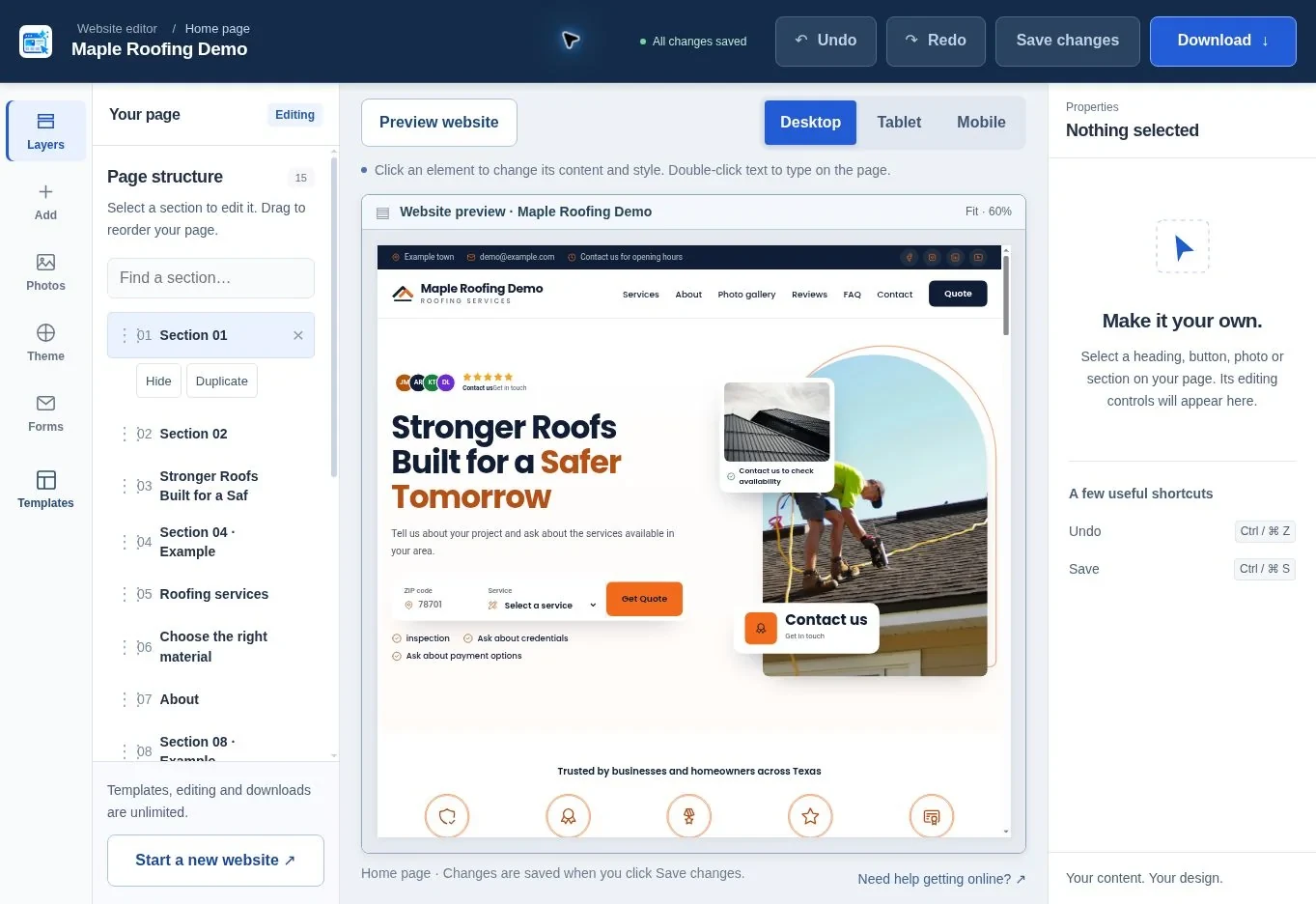
The first headline should name the work and the place in language your customer recognizes. A short supporting sentence can then explain the most useful distinction about your business.
Use this starting pattern:
“[Main service] in [main location]”
Follow it with:
“[Business name] helps [type of customer] with [two or three actual services]. [One practical detail about how you work].”
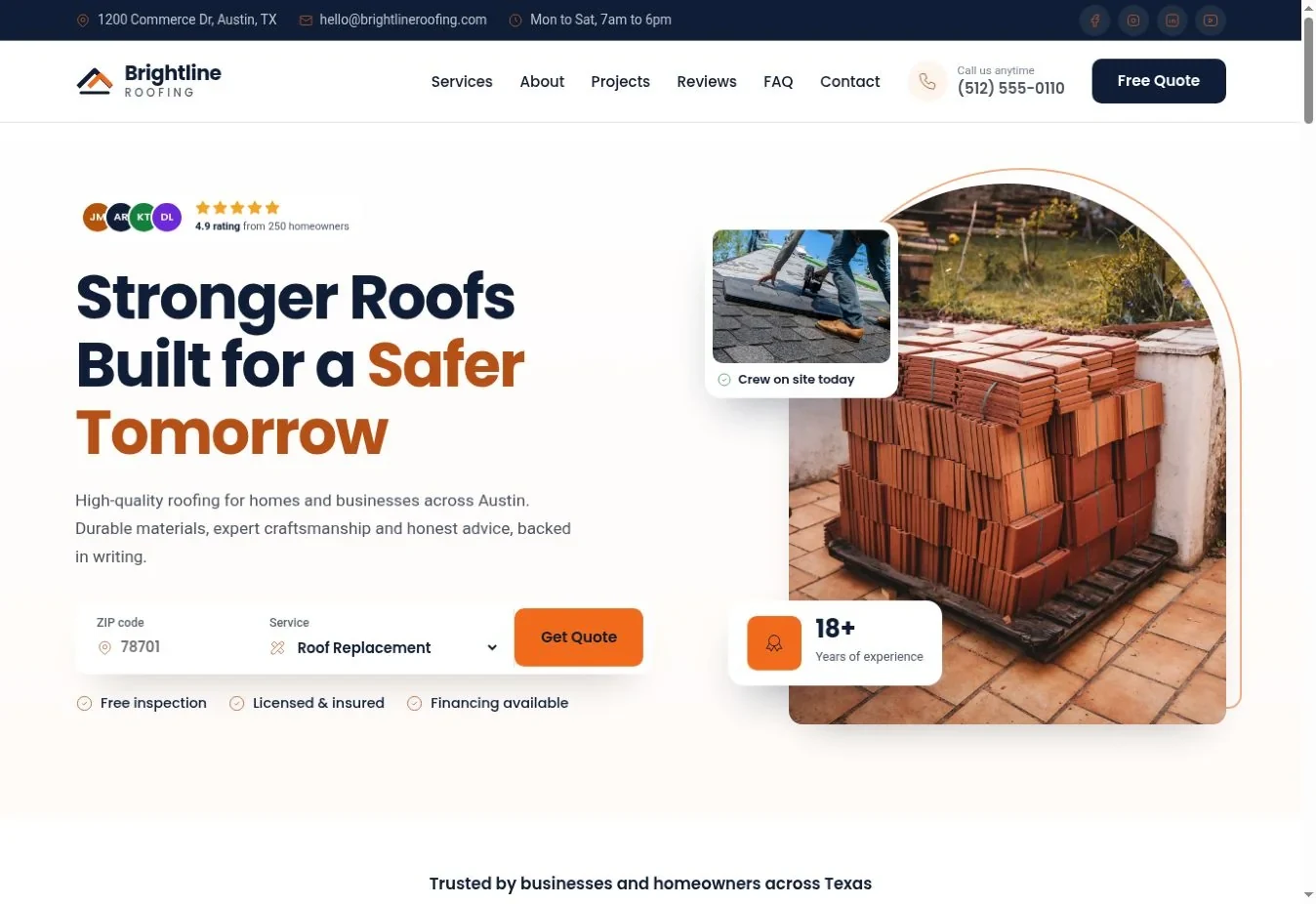
For a roofing business, an illustrative version is: “Roof repairs and replacements in Austin.” The supporting sentence could explain that the company handles tiled and flat roofs and provides a written scope after a survey, if both statements are true.
For an HVAC business, “Heating and cooling services in Phoenix” can lead into the actual systems and jobs you handle. Avoid promising same-day attendance, round-the-clock service or every major brand unless the business really provides those services.
Compare the two approaches:
| Vague wording | More useful wording | Why the change helps |
|---|---|---|
| Quality solutions for your property | Roof repairs and replacements in your town | Names the work and customer location |
| We are the best in the business | Written quotes that explain the agreed work | Describes a process the customer can understand |
| Contact us today | Request a roof inspection | Explains the purpose of the inquiry |
| We handle everything | Boiler servicing, heat-pump maintenance and heating repairs | Defines the actual scope |
The examples describe writing choices, not measured conversion improvements. The right test is whether your customers understand the wording and whether it accurately reflects your business.
Why prioritize the mobile customer journey?
Unbounce’s 2024 benchmark covers more than 41,000 landing pages. It reports 83% of analyzed visits on mobile and a 6.6% median conversion rate across industries. Use that as context for testing your mobile page, not as a promised lead rate or a roofing-specific benchmark. Source: Unbounce Conversion Benchmark Report 2024.
How much text belongs in the opening section?
Use enough text to establish the service, location and next step without making the opening read like an entire brochure. Move detailed explanations into the sections where a customer expects them.
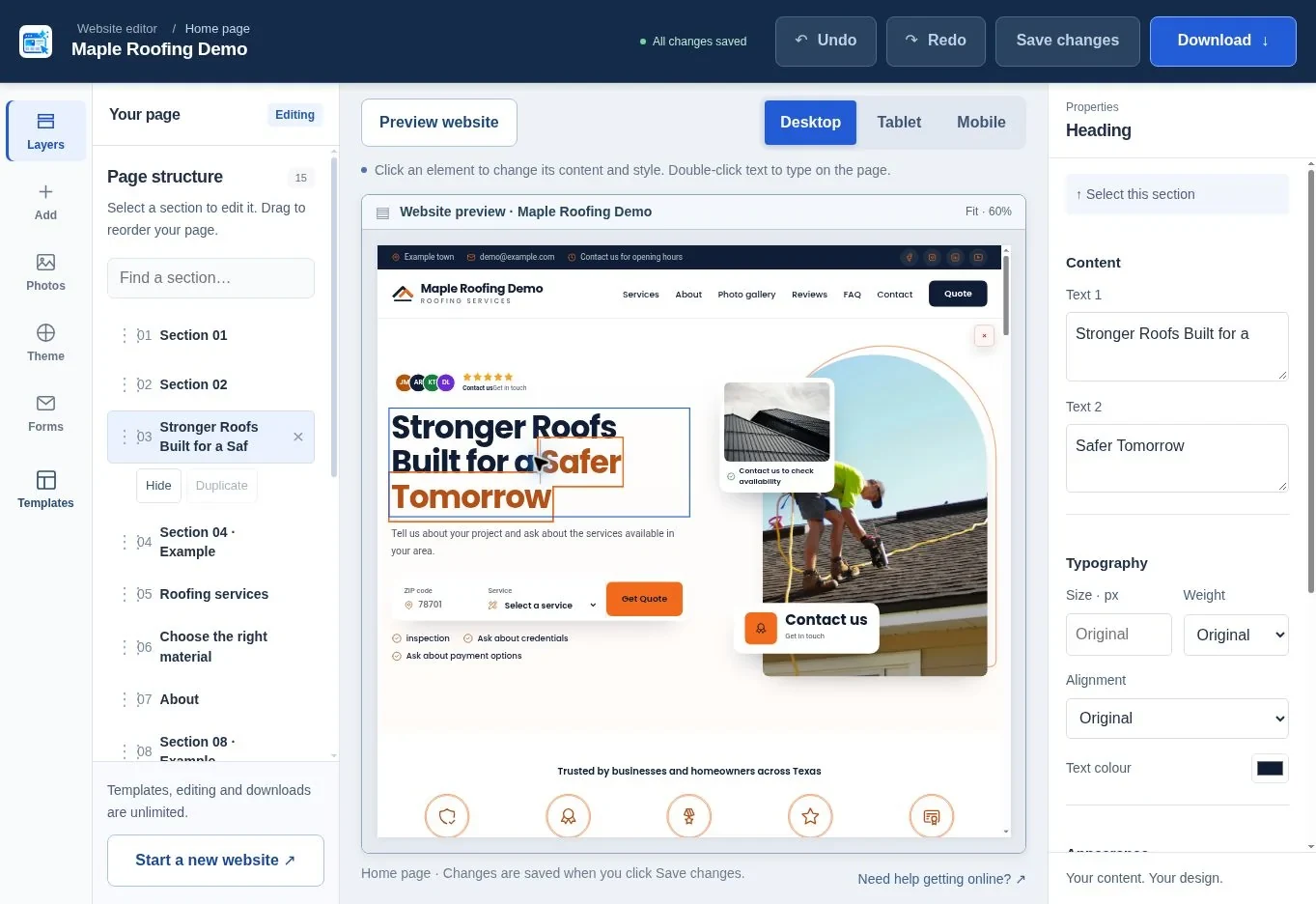
A practical opening can contain one headline, a short paragraph, a primary inquiry button and a phone link. Add a small piece of genuine evidence if it helps. A row of five different promises can make the message harder to follow, especially on a phone.
Write the introduction after you have drafted the services. That makes it easier to choose the most important facts. If you try to summarize a business before deciding its scope, the result often becomes a sentence such as “We provide a wide range of solutions for all your needs.”
Read the section aloud. You should be able to say it to someone at a local event without sounding as if you are reading a sales script. If the sentence contains several abstract words, replace one with the actual job, material or outcome being discussed.
Keep important wording as normal text. A headline embedded in a decorative image is harder to update and may be inaccessible to some visitors. Google's SEO Starter Guide is a useful reference for making content understandable and organized.
What should a service description include?
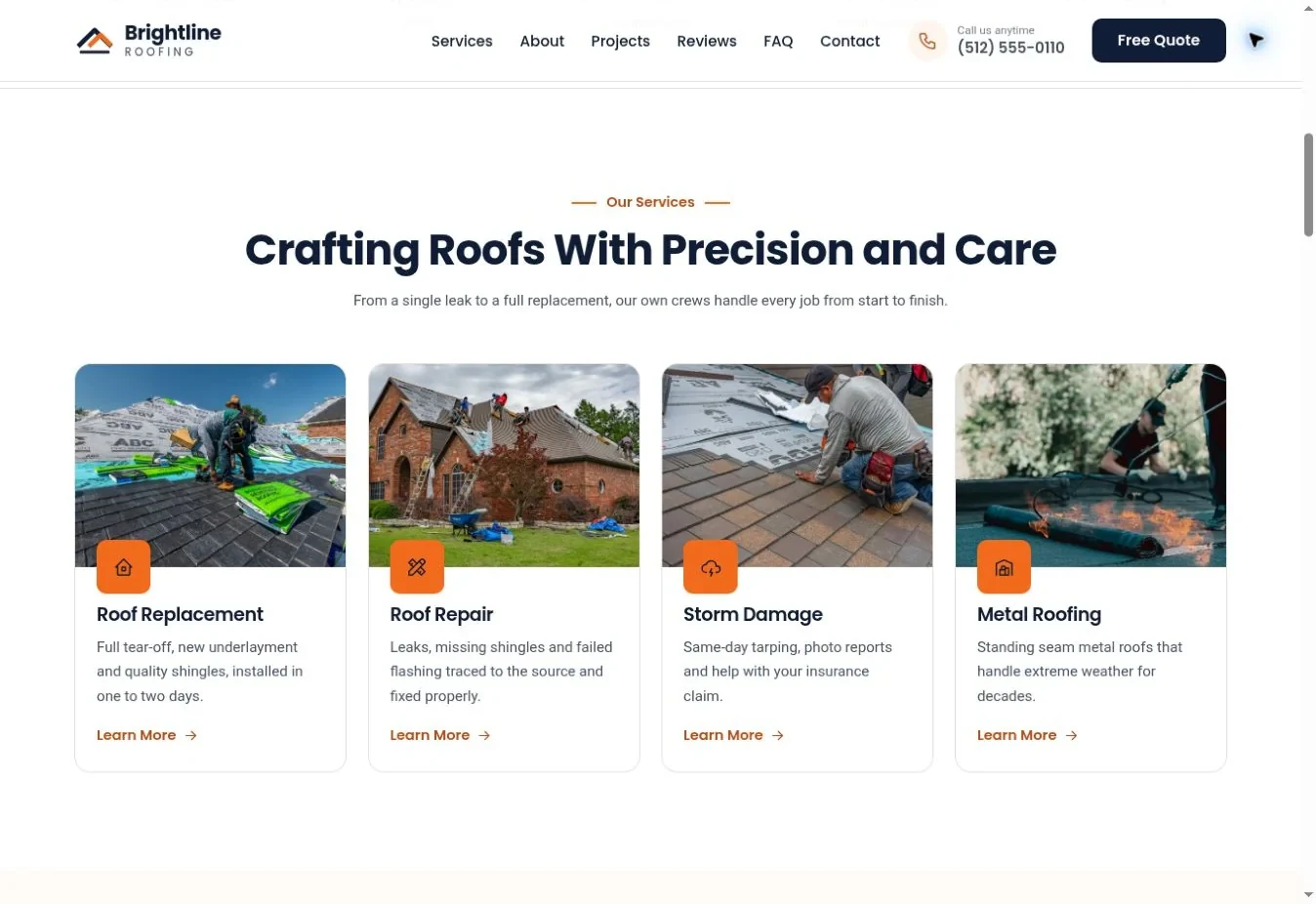
Each service description should help a customer recognize the job and understand the next step. Do not repeat the same promise under six different service names.
Try this structure:
“[Service name]. We [specific work included] for [relevant customer or property type]. Tell us [useful detail] so we can explain [next step].”
For a roof-repair card, you might explain the roof types you inspect and ask the customer to describe the location of the problem. For an air-conditioning service card, say whether the work is maintenance, diagnosis or installation. These are different reasons to contact you.
Avoid diagnosing a building from a short symptom. “A leak means you need a new roof” is too broad. A more responsible service description explains that the cause must be assessed before recommending work.
If a service has important exclusions, mention them where they help. A company that only works on residential systems should not leave commercial visitors to discover that after completing a long form. Clear scope saves time for both sides.
Use a consistent length for cards, but do not force every sentence into an identical pattern. The page should feel written for your services, not assembled by changing one word in the same paragraph.
How do you write an about section without a long life story?
Explain who runs the business and what that means for the customer's experience. Include history only where it supports a relevant, accurate point.
A useful template is:
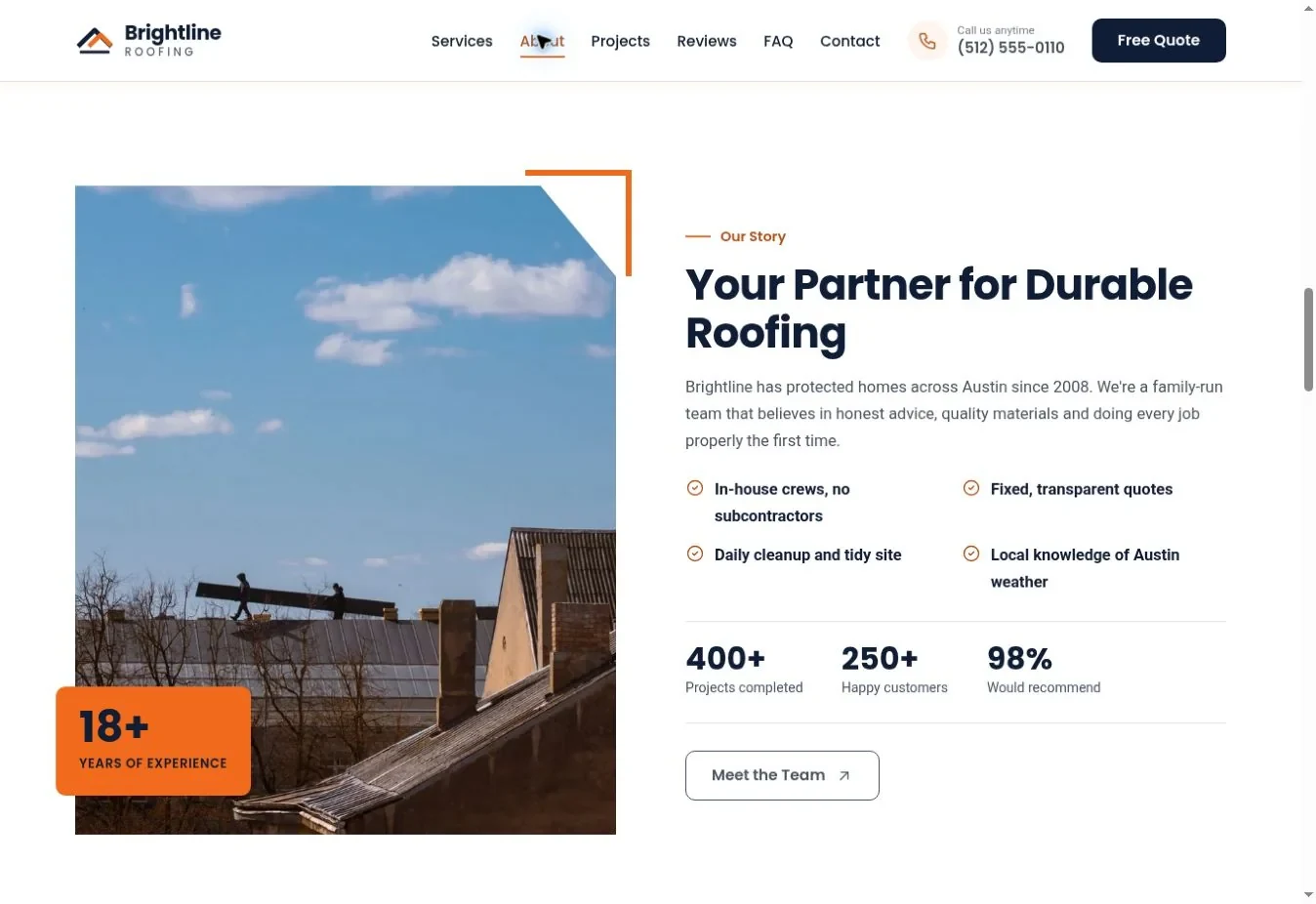
“[Business name] is a [business type] based in [place]. We work with [customers] on [services]. [Named person or team, if approved] handles [part of the process]. Our approach is [specific working practice].”
A real working practice might be explaining the scope in writing, keeping the customer informed about scheduling or completing a final walkthrough. Do not invent a process just because it sounds reassuring. Ask the person who delivers the work what happens on an ordinary job.
“Family-owned”, “fully insured”, “licensed” and “certified” are factual claims. Confirm them and describe them accurately. If a license is required for your work, check the relevant authority's requirements and use the correct identifier. A template is not evidence that your company holds a credential.
You can show a real team photograph with permission. A stock photograph should not imply that the people pictured are your employees. If you are a sole trader, say so positively and clearly instead of inventing a large team.
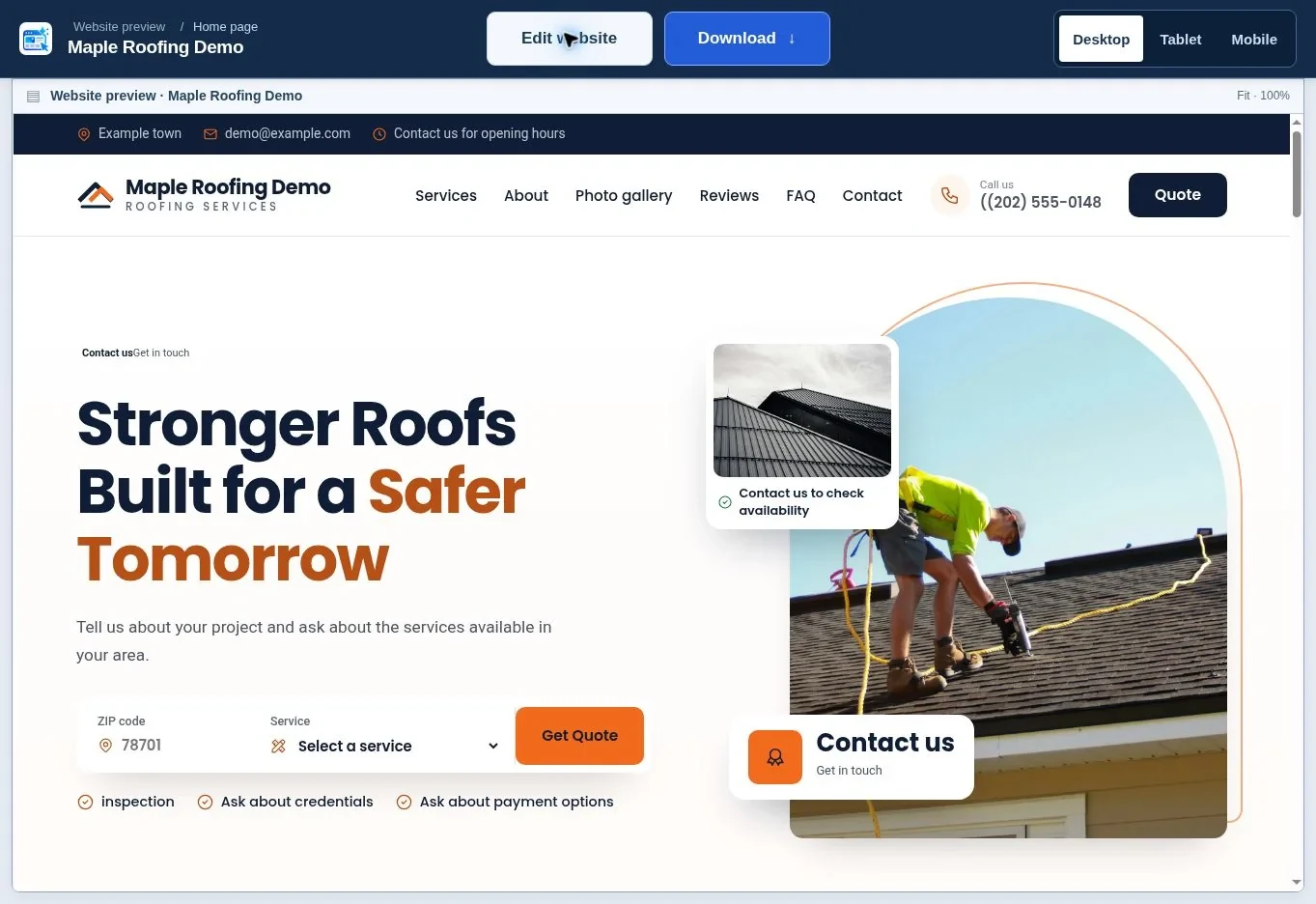
The website editing guide helps you replace demonstration content. If you are still choosing a layout, start with the roofing website generator or HVAC website generator.
What proof should appear beside your claims?
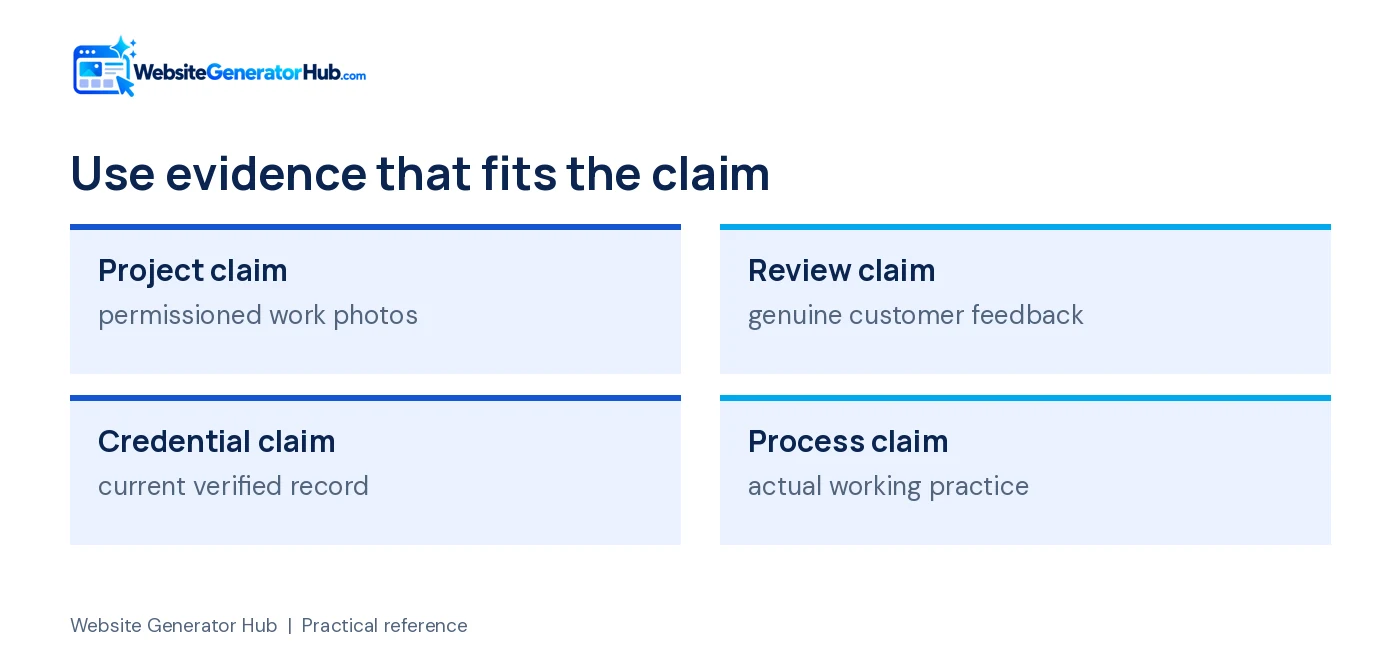
Use evidence that directly supports the statement beside it. A real project photograph supports a description of that project; it does not automatically prove a warranty, certification or review score.
For a project caption, use:
“[Type of work] in [general location]. [Material or system], with [specific task or constraint].”
Only include a customer's town or identifying details with appropriate permission. Avoid showing house numbers, documents or faces that the customer did not agree to publish. Keep the caption short enough to read while viewing the image.
For reviews, quote genuine feedback accurately and retain a record of its source and permission where needed. Do not turn example text into a testimonial. Google's review policy requires genuine experiences, and the US FTC guidance on reviews and testimonials explains restrictions on false reviews.
If you have no customer reviews yet, replace the review section with a clear process or project explanation. You do not need to fill every section a template offers. An honest short page is more useful than a longer page containing invented evidence.
Our review request guide gives neutral messages you can send to real customers. The website design checklist shows where proof fits into the page.
What should buttons and forms say?
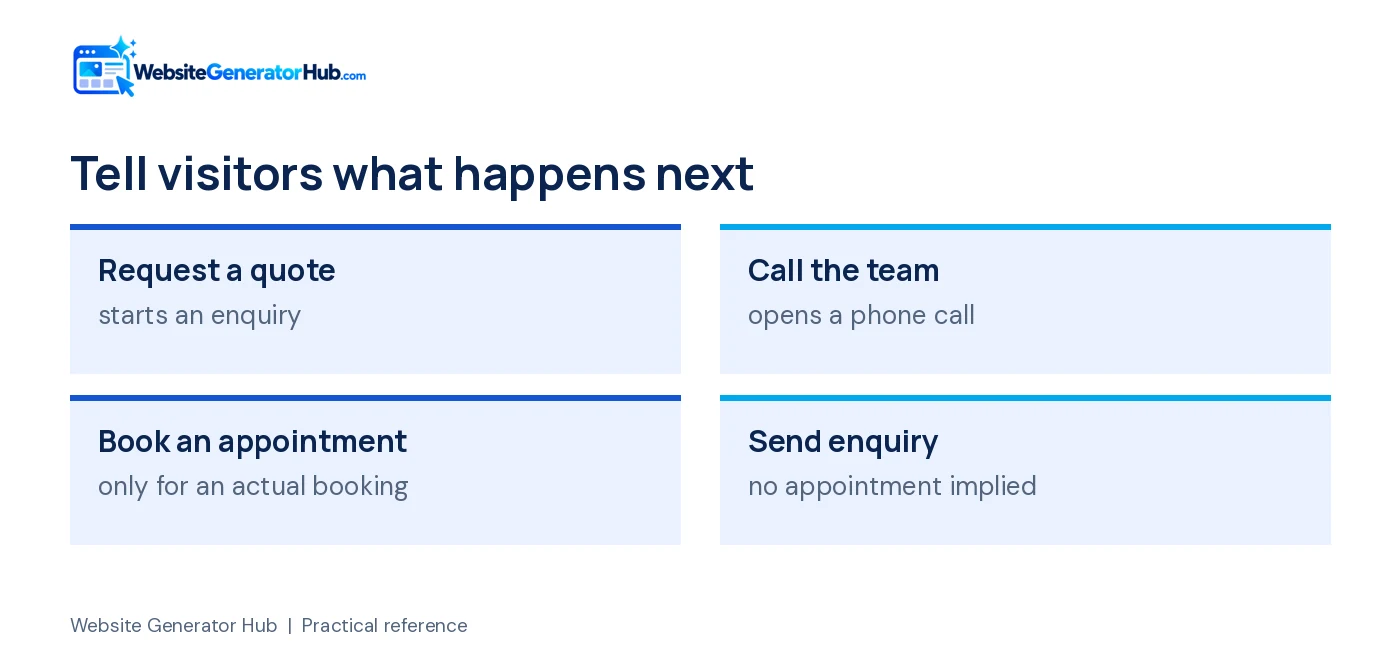
Buttons should explain the action the visitor is about to take. Form text should explain what information you need and what happens after submission.
“Request a quote” is useful if the form starts a quotation process. “Book an appointment” suggests a confirmed booking, so avoid that wording if the visitor is merely requesting a callback. “Call the team” is clear when the link opens a telephone call.
Under the form, write a realistic response expectation only if you can meet it. “We usually reply during our published opening hours” may be more accurate than a promise of an immediate response. If you offer emergency support, explain the route separately and do not leave urgent visitors waiting on an unmonitored form.
A short form introduction can say:
“Tell us the type of work and the town where the property is located. We will contact you to discuss the next step.”
Use visible labels for the fields. The W3C form-label guidance explains why labels help people understand and operate forms. Placeholder text alone is a poor replacement because it disappears while typing.
Review the success message too. It should confirm that the request was submitted without pretending an appointment or quotation has already been agreed. Test actual delivery before using reassuring copy about replies.
How do you make the copy useful for search without stuffing keywords?
Use the main service and location naturally, then answer the related questions a customer needs answered. Repetition is not a substitute for substance.
A page title and the main visible headline do related but different jobs. Google's title-link guidance recommends clear, concise titles. It also explains that Google may generate its own title link using several page signals, so a fixed character target is an editorial aid rather than a guarantee of display.
Write a meta description that summarises the page honestly. Do not claim “lowest prices” or “number one” without evidence. Use the same service terminology across headings, navigation and contact copy so people know they are still reading about the same work.
Keep questions useful. A roofing FAQ can explain how a survey works, what information to provide and how weather affects scheduling. It does not need a string of near-identical questions repeating the town name. Our local SEO guide explains how the copy fits with your wider business information.
How should you review the finished page?
Check the facts first, then read the page as a customer. Styling should support an accurate message rather than hide weak information.
- Confirm every business name, phone number, email and hour.
- Remove any service you do not provide.
- Verify each review, badge, number and credential.
- Replace broad claims with a practical explanation.
- Check buttons and forms against their actual behavior.
- Read the mobile version and shorten awkward blocks.
- Ask someone unfamiliar with the business to explain what it does after reading the opening.
Save a dated copy of the approved wording. When your services or working hours change, you will have a clear source to update rather than relying on memory. The copy should remain easy to maintain after the launch excitement has passed.
Frequently asked questions
Can I use these wording templates exactly as written?
Use the structure, but replace the bracketed fields with accurate details and check every claim. The example services and locations are illustrations, not facts about your business. Reading the final text aloud is a useful check: it should sound like something you would comfortably explain to a real customer.
Should I say “we” if I work alone?
Choose wording that accurately describes the business. “I” can work well for a sole trader who personally handles the work, while the business name is another clear option. Avoid implying a large team or several offices when that is not true. Customers need to know who will actually respond and attend.
Is it okay to use AI to help write the page?
Yes, but treat the output as a draft. Check the services, hours, qualifications and promises, and replace generic language with your own process and evidence. You remain responsible for the published claims. A writing tool cannot verify a license or know what your team does unless you provide reliable information.
How many words should my home page contain?
There is no useful universal total. Include enough information for customers to understand the work, trust the business and contact you. Move lengthy explanations into dedicated pages where needed. Do not stretch a small service description into several paragraphs merely because another website has a longer home page.
Can I copy another roofer's wording and change the name?
Write your own copy. Another business's text may be protected, may contain claims that are untrue for you and may describe a different process. Use competitor research to identify customer questions, then answer them from your own business facts. Your photographs, working methods and actual services are better material.
What if I do not have a strong selling point yet?
Start with clarity and a dependable process. Explain the work you accept, how customers request a quote and what happens next. You do not need an exaggerated claim to launch. As you complete more work, add permissioned project examples and genuine feedback that show what customers value about the business.
Choose a layout, fill it with your real information and test the complete inquiry path. Browse roofing templates or HVAC templates to see how clear headings, short service explanations and evidence work together on a page.
Sources & further reading
Sources checked .
- SEO Starter Guide (opens in a new tab)developers.google.com
- Google title-link guidance (opens in a new tab)developers.google.com
- Google review policy (opens in a new tab)support.google.com
- FTC review guidance (opens in a new tab)www.ftc.gov
- W3C guidance on form labels (opens in a new tab)www.w3.org
- Unbounce Conversion Benchmark Report 2024 (opens in a new tab)unbounce.com