Website adviceBusiness website guides
HVAC website checklist: 18 things to get right
Use this HVAC website checklist to review services, emergency details, reviews, booking and mobile forms. Find missing information before you launch.


The short answer
HVAC website checklist: 18 things to get right
An HVAC website should explain the work you do, show when you are available and give customers a reliable way to request help. This 18-point checklist covers the page, the evidence behind it and the office process after submission. Use it to find missing details before adding more decoration.
What to remember
- State the services and equipment you actually work with.
- Distinguish emergency availability from ordinary opening hours.
- Make a request form work before promising online booking.
My recommendation: Test the mobile phone button and a real inquiry before checking decorative details. A working contact route is the launch priority; polish the rest around it.
- State the services and equipment you actually work with.
- Distinguish emergency availability from ordinary opening hours.
- Make a request form work before promising online booking.
- Check credentials, reviews and offers before they become public claims.
A homeowner with no cooling and a facilities manager planning a replacement need different information. You can support both without making the opening confusing. Start with the most common customer task, then give other visitors clear routes to the detail they need.
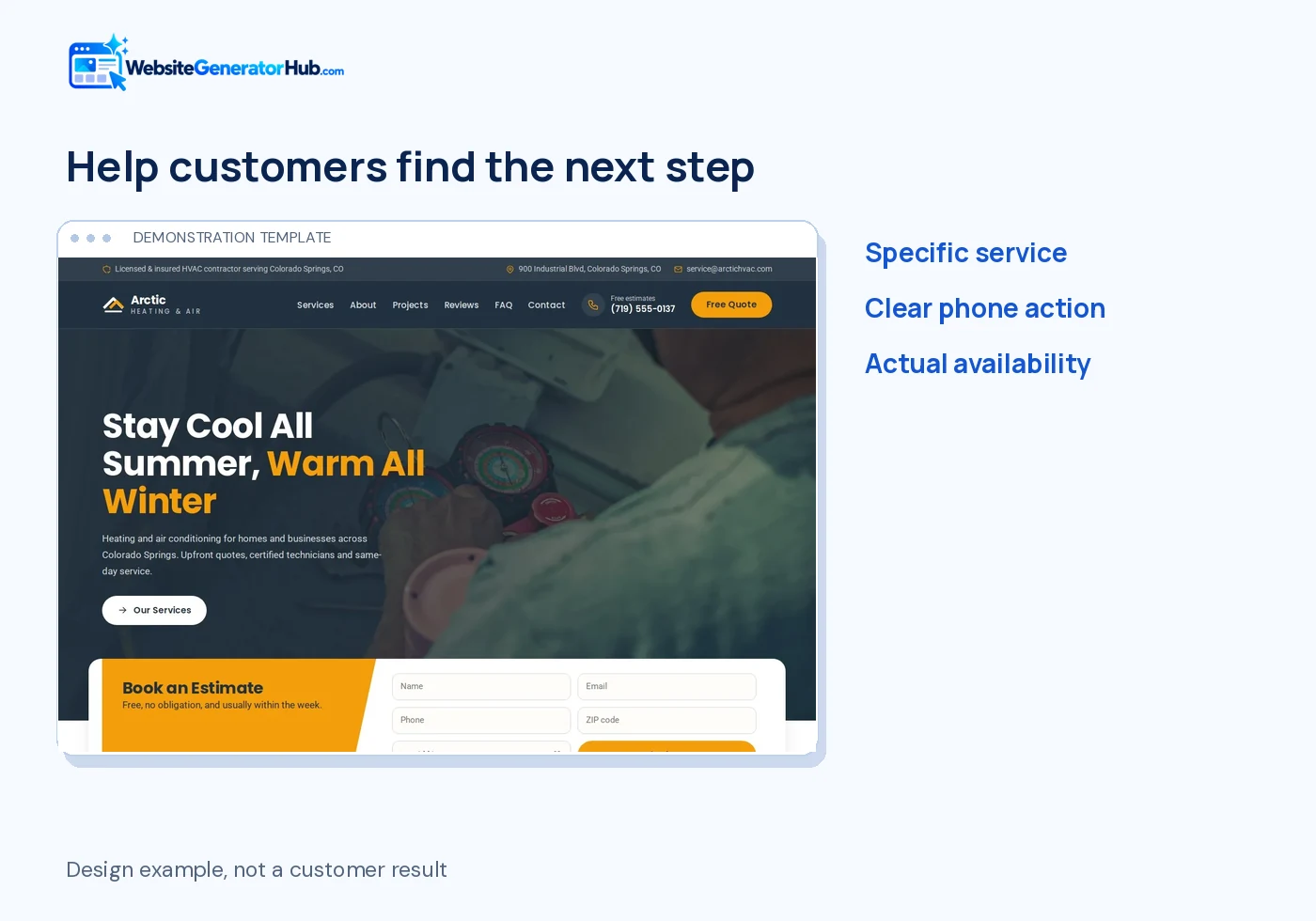
What should an HVAC website make clear immediately?
Show the service, the relevant location and how to reach you. These first four checks help the visitor understand whether your business can handle their situation.
1. a service-led headline
Name the work in plain language: air-conditioning repair, heating installation, heat pumps or another actual specialism. Add the city or area naturally. “Comfort for every season” can support a message, but it should not be the only explanation of what you do.
2. a visible telephone link
Make the displayed number tappable and check what the phone dialler receives. Place it near the top and in the contact section. If several branches use different numbers, explain which location the visitor is contacting rather than scattering unrelated numbers across the page.
3. accurate emergency availability
Use a 24/7 message only when that is your real service. Explain whether it means calls are answered, advice is available or technicians attend. Keep normal opening hours separate when they differ. A late-night visitor should not assume a routine email form triggers immediate dispatch.
4. a direct request action
Use “Request a service visit” if the office needs to confirm the job. Use a booking label only when the customer is genuinely reserving an appointment. Put a clear next-step message after submission so visitors know what happens and whether they should call for urgent help.
Why prioritize the mobile customer journey?
Unbounce’s 2024 benchmark covers more than 41,000 landing pages. It reports 83% of analyzed visits on mobile and a 6.6% median conversion rate across industries. Use that as context for testing your mobile page, not as a promised lead rate or a roofing-specific benchmark. Source: Unbounce Conversion Benchmark Report 2024.
How should services and equipment be explained?
ENERGY STAR estimates that 20–30% of the air moving through ducts in a typical forced-air house is lost through leaks, holes or poor connections. If ductwork is a service you offer, explain the symptoms and inspection process. Do not turn that air-loss figure into a promised reduction in the customer’s bill. Source: ENERGY STAR: Duct sealing.
Organize services around the jobs customers recognize, then provide enough detail to avoid unsuitable inquiries. These five checks help you describe the business without a wall of equipment jargon.
5. separate repair from installation
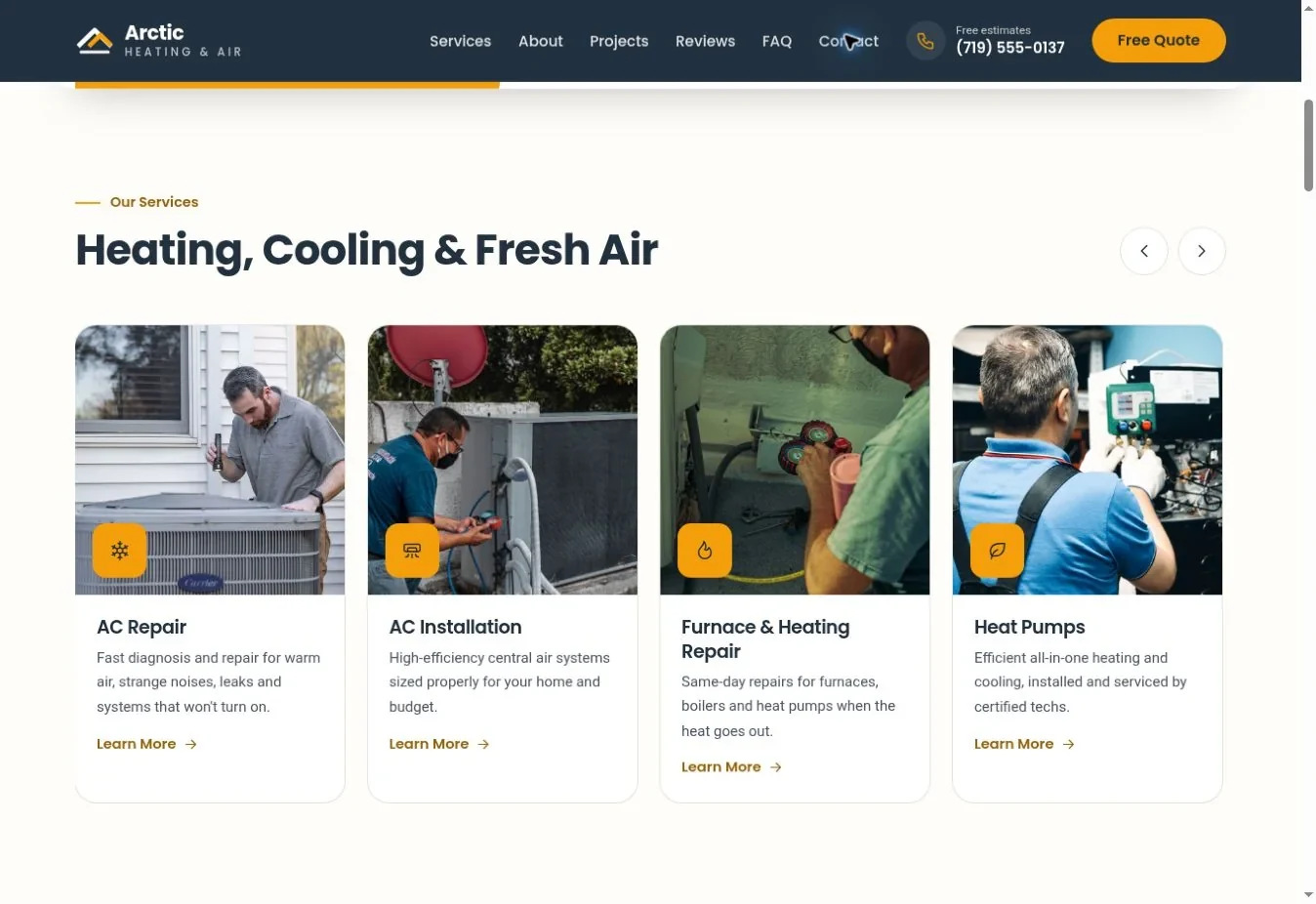
A repair customer wants to know whether you can investigate a problem. A replacement customer may want a survey, system options and an estimate. Give each a clear description and next action. If one service is not offered, remove it rather than leaving it in a template list.
6. name the systems you actually support
List equipment types and relevant brands only when accurate. A manufacturer logo can imply a relationship, so confirm your right to display it. Explain any limitation, such as residential-only work or specific equipment types, where it helps customers decide whether to contact you.
7. explain maintenance in useful terms
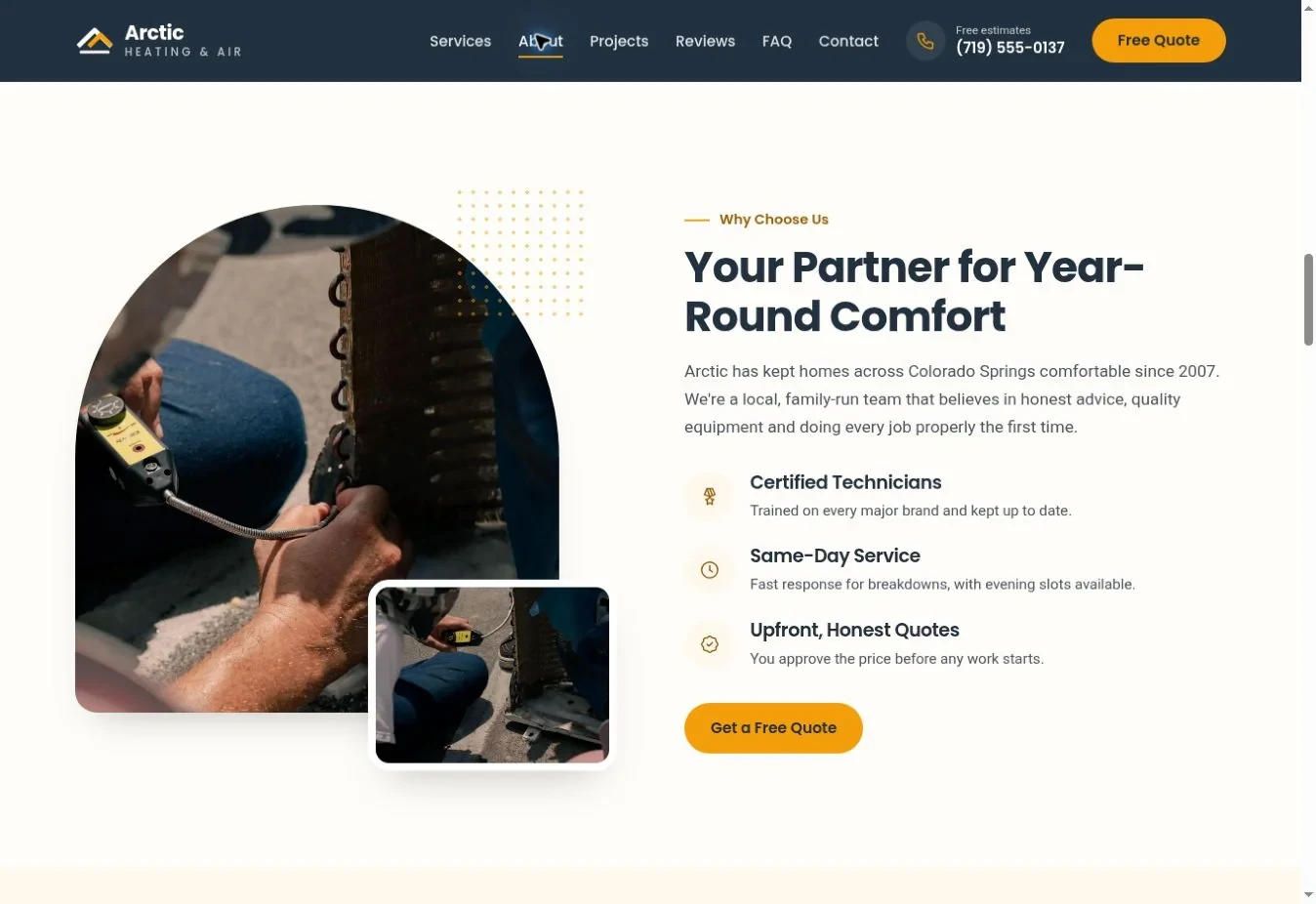
Describe what a visit involves, how a customer arranges it and whether you offer a plan. ENERGY STAR's maintenance guidance recommends annual preseason check-ups. Use that context to explain your actual service rather than copying a universal checklist that may not fit every system.
8. make plan terms easy to find
If you sell maintenance plans, state included visits, exclusions, payment timing and cancellation arrangements. “Priority service” needs a clear meaning. If plans are not available, use that space to explain one-off maintenance requests instead of presenting an empty subscription panel.
9. describe where customers can receive service
Write a useful location statement and give the correct office details. A directions link can be enough; a large embedded map is optional. Google's address guidance distinguishes service-area businesses from locations customers can visit. Do not publish a private address simply because the template has a map.
What evidence helps an HVAC business look credible?
Real people, work and verifiable qualifications are stronger than a long row of unsupported badges. The next five checks help you build trust without making claims you cannot support.
10. relevant credentials
Use the exact name of the qualification, license or registration. For US refrigerant work, the EPA explains Section 608 technician certification; it is not a blanket endorsement of every business service. Match the wording to the work and jurisdiction.
11. genuine customer feedback
Use real feedback accurately and preserve relevant attribution. A demonstration testimonial should not become an apparent customer endorsement. The FTC's review guidance is a useful reference for US businesses. If you do not have reviews yet, show your real process and completed work instead.
12. photographs with a purpose
Use installation, repair or team photographs that explain your work. Add short captions where the subject needs context. Do not present an equipment image from a manufacturer or stock library as your own installation. A few clear, relevant images are more useful than numerous nearly identical air-conditioning units.
13. a recognizable business and team
Explain who runs the business and who customers are likely to speak to. A concise, factual story is enough. Avoid generic claims such as “decades of expertise” if the company history does not support them. Keep team names, roles and photographs current when staff change.
14. accurate warranty, financing and offer information
Separate manufacturer warranties from your workmanship promise. If financing is offered, use approved wording and show the conditions. Review seasonal offers before they expire. Do not leave a monthly payment or rebate claim visible simply because it makes the design look complete.
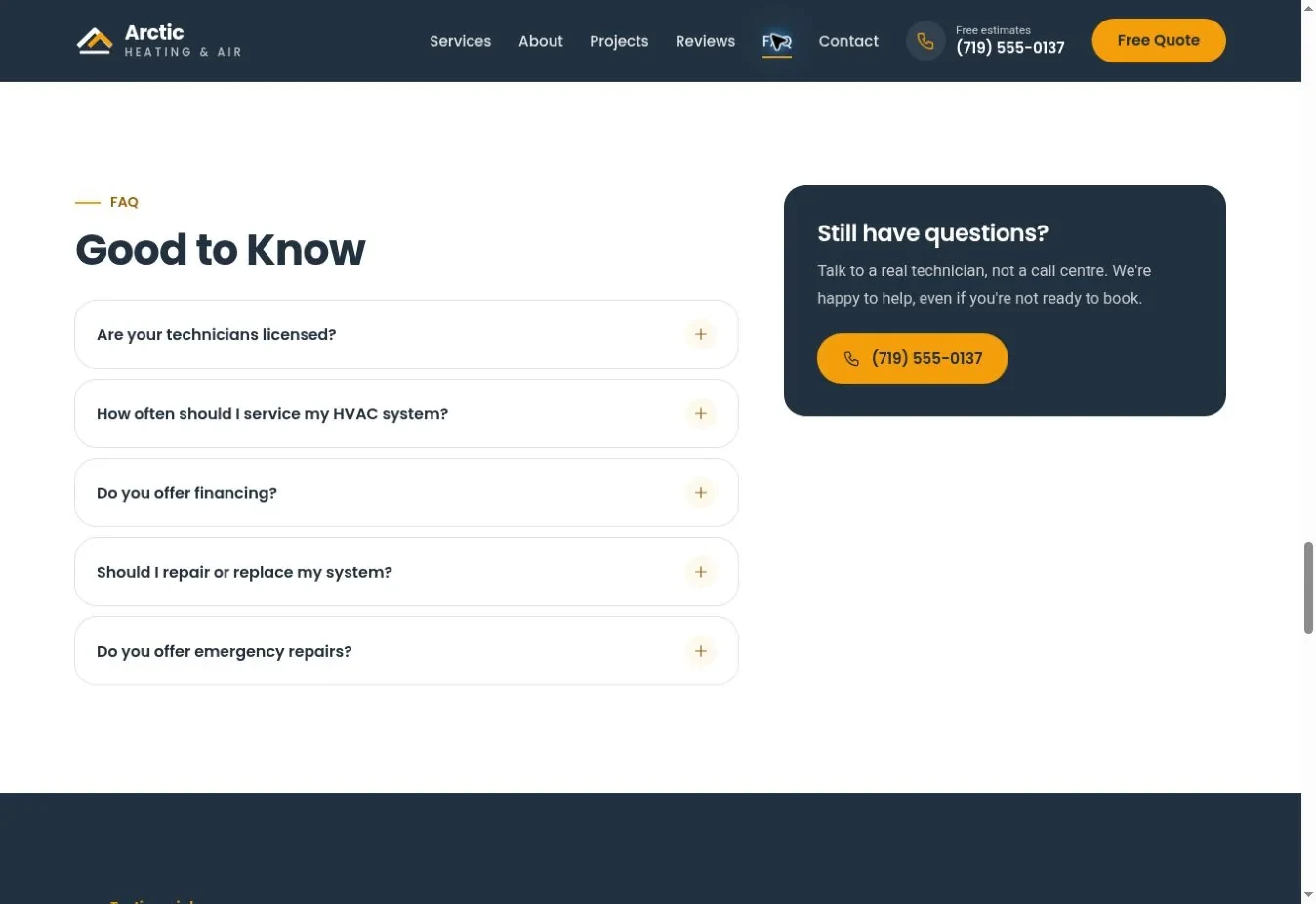
Compare these content needs with the HVAC template gallery. You can begin with a finished design, then use the editing guide to replace the details and remove sections that do not apply.
What must work before the site goes live?
The contact route and mobile page must work on the final published website. These last four checks are practical launch requirements, not optional polish.
15. a labeled, short inquiry form
Ask for the information your office needs to respond and assess fit. Name, contact details, a location and a brief service description are often a useful start. W3C recommends clear labels and relevant inputs. Avoid asking for detailed equipment data that most homeowners do not know just to submit an initial inquiry.
16. confirmed delivery and responsibility
Submit a test from an external device and confirm receipt in the actual business inbox or CRM. Check the spam folder and reply behavior. Assign someone to monitor inquiries. A success message is only the front end of the process; it does not prove that the office received the customer's request.
17. a readable mobile layout
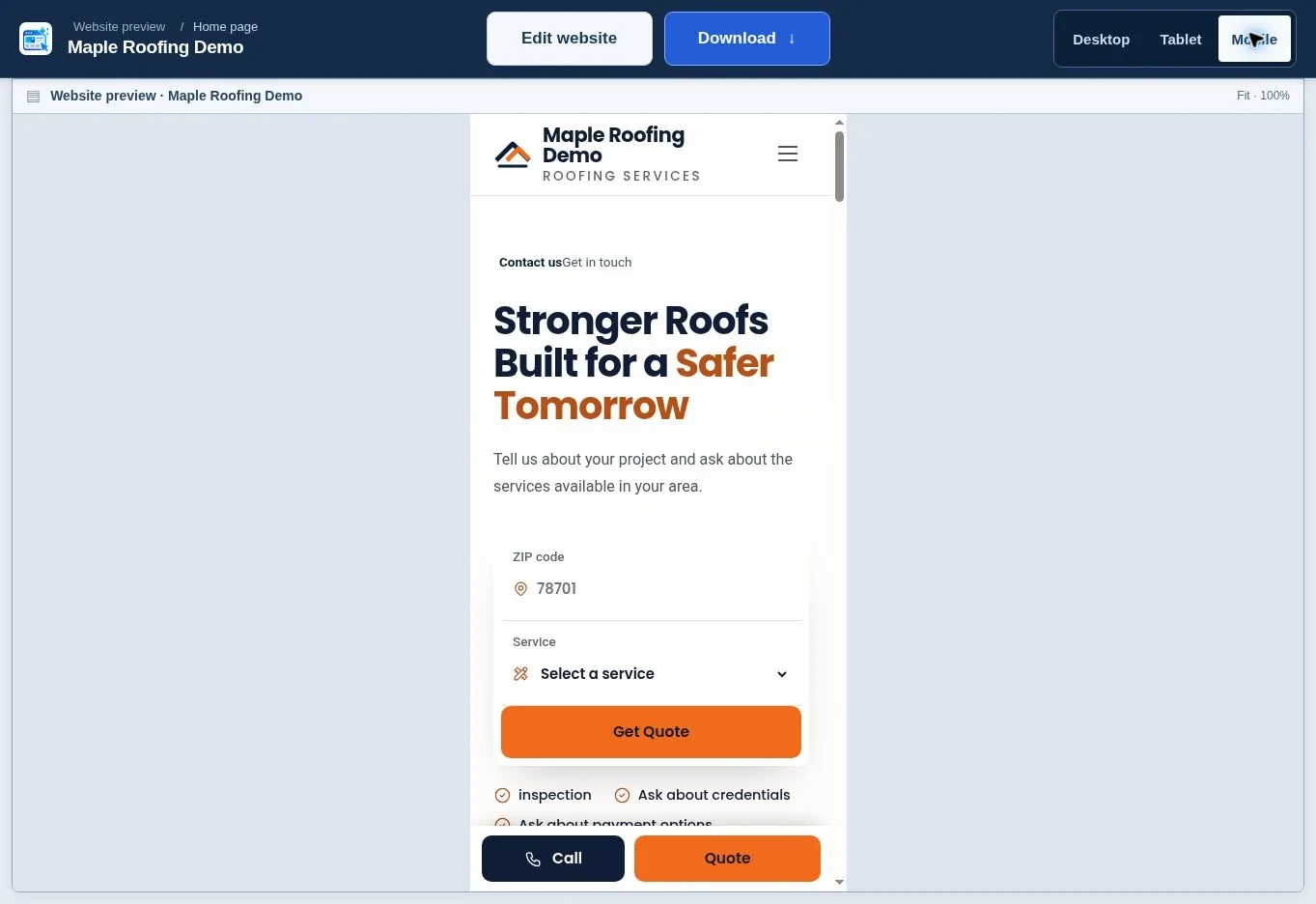
Check the phone menu, buttons, tabs, FAQs and form. Ensure the fixed call bar does not hide the submit button. Keep contrast readable, including hover and focus states. WCAG's normal-text contrast threshold is 4.5:1; simply choosing blue and white does not prove every text combination passes.
18. useful search and performance basics
Give the page a descriptive title, accurate business details and a crawlable public URL. Use properly sized images and avoid unnecessary scripts. Google's Core Web Vitals cover loading, interaction and layout stability. Check them alongside real use rather than treating one score as a promise of search traffic.
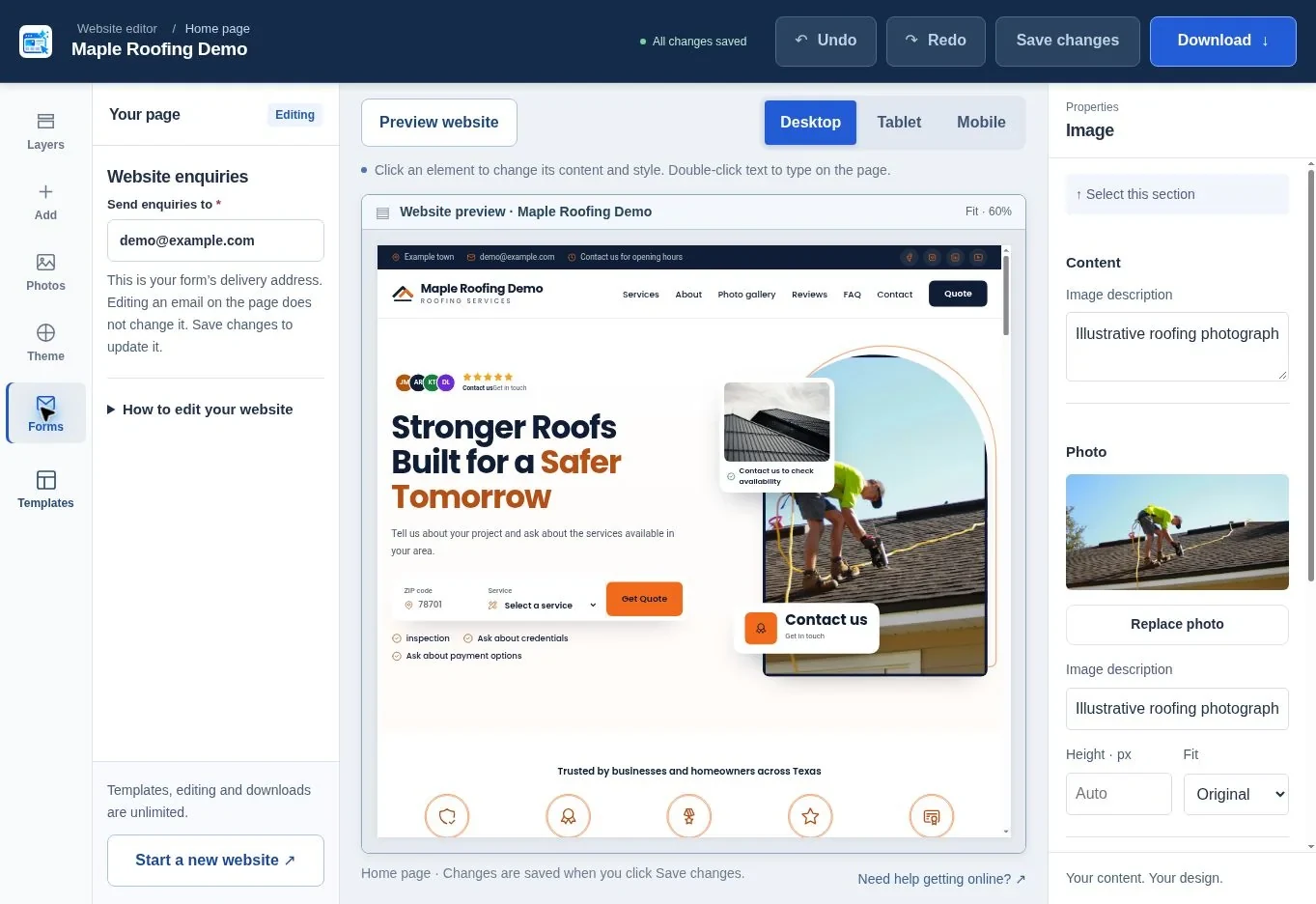
How can you turn the checklist into a short action plan?
Fix anything that blocks or misroutes a customer first, then improve the page's evidence and presentation. The table gives a simple order for the work.
| Review area | Check numbers | First action |
|---|---|---|
| First impression | 1–4 | Confirm headline, phone and availability |
| Service fit | 5–9 | Remove unsupported services and clarify locations |
| Trust | 10–14 | Verify every public claim and photograph |
| Inquiry delivery | 15–16 | Submit and trace one real test |
| Mobile and search | 17–18 | Review the live page on a phone and check indexing access |
Keep a dated note of who checked the site and what still needs work. Repeat the contact test after changing hosting, email settings or a form. Before a seasonal campaign, review offers and hours again. An old promise is easy to miss when the page itself still looks new.
What should you do with the checklist now?
Open your website on a phone and follow the route a new customer would take. Fix the first obstacle you find, then work through the remaining groups. Start an HVAC website, review the HVAC cost guide, and use the broader pre-launch checklist before sending customers to it.
Frequently asked questions
Do I need separate heating and cooling pages?
Separate pages are useful when each service needs enough distinct information to help customers decide. A focused one-page site can begin with clear sections. Add pages when you can write useful content about the actual work, equipment and next steps, rather than duplicating the same paragraph under different headings.
Should I show prices on my HVAC website?
Show prices only when you can state accurately what they cover and the conditions that apply. Some services need an assessment before a quote is possible. You can still explain the pricing process, callout policy and how an estimate is agreed without inventing a universal repair price.
Can I advertise 24-hour service if calls go to voicemail?
The wording should describe what actually happens. A voicemail that staff check the next morning is different from a staffed emergency response. State normal hours and explain how urgent inquiries are handled. Do not let a template badge create an availability promise your business cannot consistently meet.
Should I include every equipment brand logo?
No. Include only relevant brands and use logos according to their rules and your relationship with the manufacturer. Servicing an item does not always mean being an authorized dealer. Plain text can explain supported equipment without implying certification or endorsement that the business does not hold.
Is a chatbot necessary?
No. Start with accurate information and a reliable call or inquiry route. A chatbot becomes useful only when it answers correctly and hands requests to someone who can act. It should not invent availability, diagnose safety issues or confirm appointments that do not exist in your scheduling system.
How do I know whether the website brings service calls?
Track genuine inquiries and ask how customers found you. Where analytics and call tracking are used, configure them appropriately and explain relevant data use. Compare completed inquiries with visits over time, but do not count every button click as a booked job. The office's follow-up remains part of the result.
Sources & further reading
Sources checked .
- ENERGY STAR maintenance checklist (opens in a new tab)www.energystar.gov
- EPA Section608 technician certification (opens in a new tab)www.epa.gov
- GOV.UK gas work registration (opens in a new tab)www.gov.uk
- FTC review rule questions and answers (opens in a new tab)www.ftc.gov
- W3C forms tutorial (opens in a new tab)www.w3.org
- W3C contrast guidance (opens in a new tab)www.w3.org
- Google Web Vitals (opens in a new tab)web.dev
- Google business address guidance (opens in a new tab)support.google.com
- Unbounce Conversion Benchmark Report 2024 (opens in a new tab)unbounce.com
- ENERGY STAR: Duct sealing (opens in a new tab)www.energystar.gov