Website adviceBusiness website guides
Business website checklist: 25 checks before launch
Use this contractor website checklist before going live. Check content, forms, mobile layout, search access, privacy and ownership in one practical review.


The short answer
Business website checklist: 25 checks before launch
Before a contractor website goes live, check its business facts, contact route, mobile layout, search access and account security. A page that looks finished can still send inquiries to the wrong inbox or display sample claims. Use this 25-point checklist on the final public URL, not only inside the editor.
What to remember
- Test a real inquiry from submission to receipt.
- Replace every demonstration detail with verified business information.
- Review the website on a phone and with a keyboard.
My recommendation: Work through customer blockers first: wrong details, broken forms, unreadable text and unusable mobile navigation. Resolve those before spending time on minor visual refinements.
- Test a real inquiry from submission to receipt.
- Replace every demonstration detail with verified business information.
- Review the website on a phone and with a keyboard.
- Keep ownership, renewals and recovery access under the business's control.
This checklist works for roofing, HVAC and other local service businesses. It is a practical first review, not a full accessibility, legal or security audit. Where a specialist review is needed, use the checklist to identify the question and give the reviewer a clear starting point.
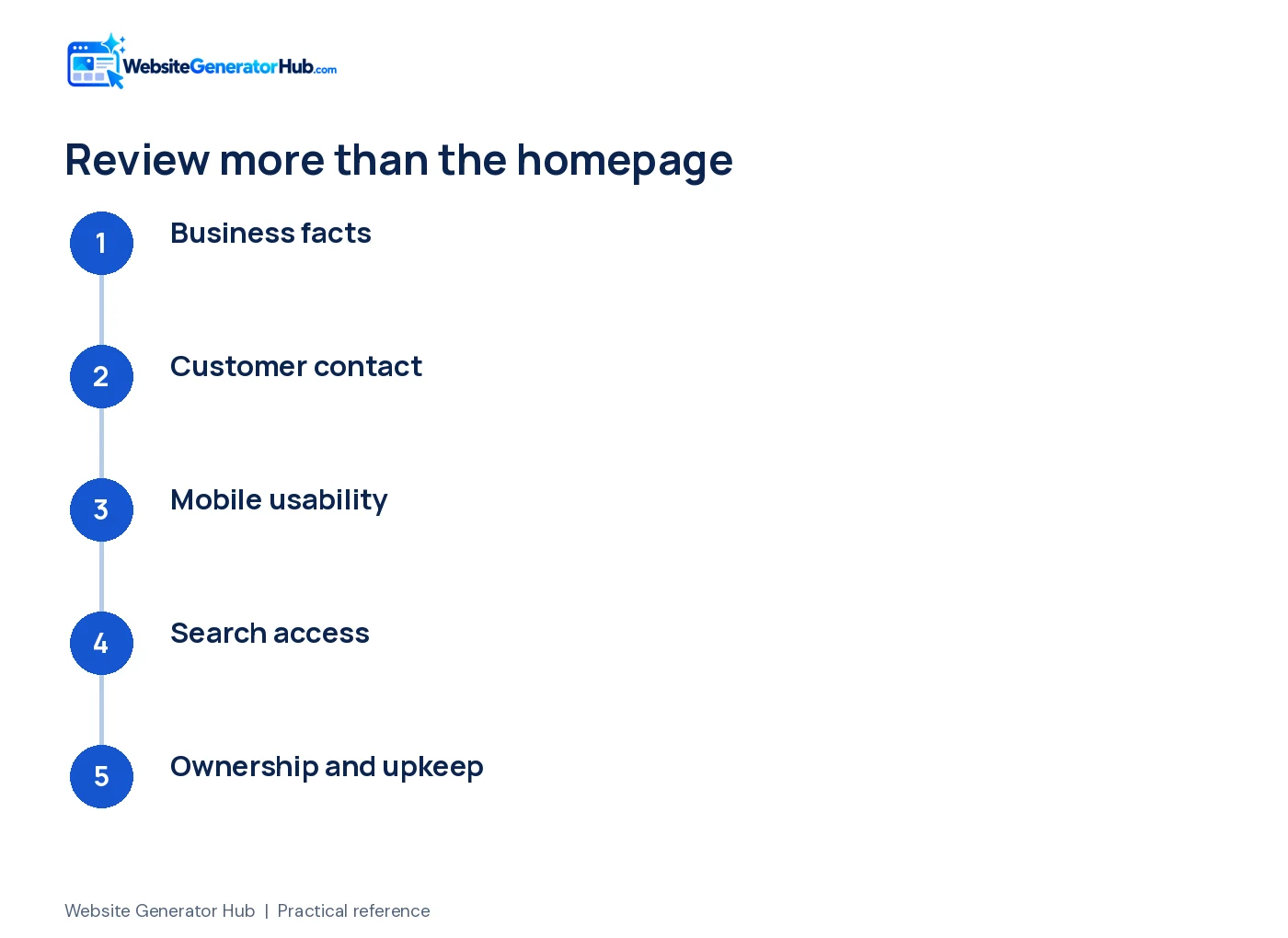
Are the business details and content ready?
The page should describe the business you operate today. Complete these five checks before spending time on small visual adjustments.
1. confirm the name and contact details
Check the trading name, phone, email and any displayed address in every location, including the footer. Test telephone and email links. A correct number in the hero does not compensate for a sample number in the contact section or metadata.
2. check services and coverage
Remove services you do not provide and explain relevant limits. Make the location information useful without filling the page with town names. If customers cannot visit an address, do not describe it as a showroom or invite them to arrive there.
3. verify hours and availability
Check ordinary hours, holiday arrangements and any emergency promise. If the office answers calls during the day but handles urgent work separately, say so. Review any Google Maps import against the current listing rather than assuming every imported field is complete.
4. replace all demonstration claims
Search for sample reviews, customer names, project counts, founding dates, license numbers and badges. Replace them with evidence you can verify or remove the element. The FTC review guidance addresses fabricated testimonials; a polished design does not make them acceptable business claims.
5. check image rights and captions
Use photographs you own or are permitted to publish. Confirm permission for identifiable staff and customers where needed. Do not describe a stock image as your completed project. Review crops so important workmanship, faces and labels remain visible on a phone.
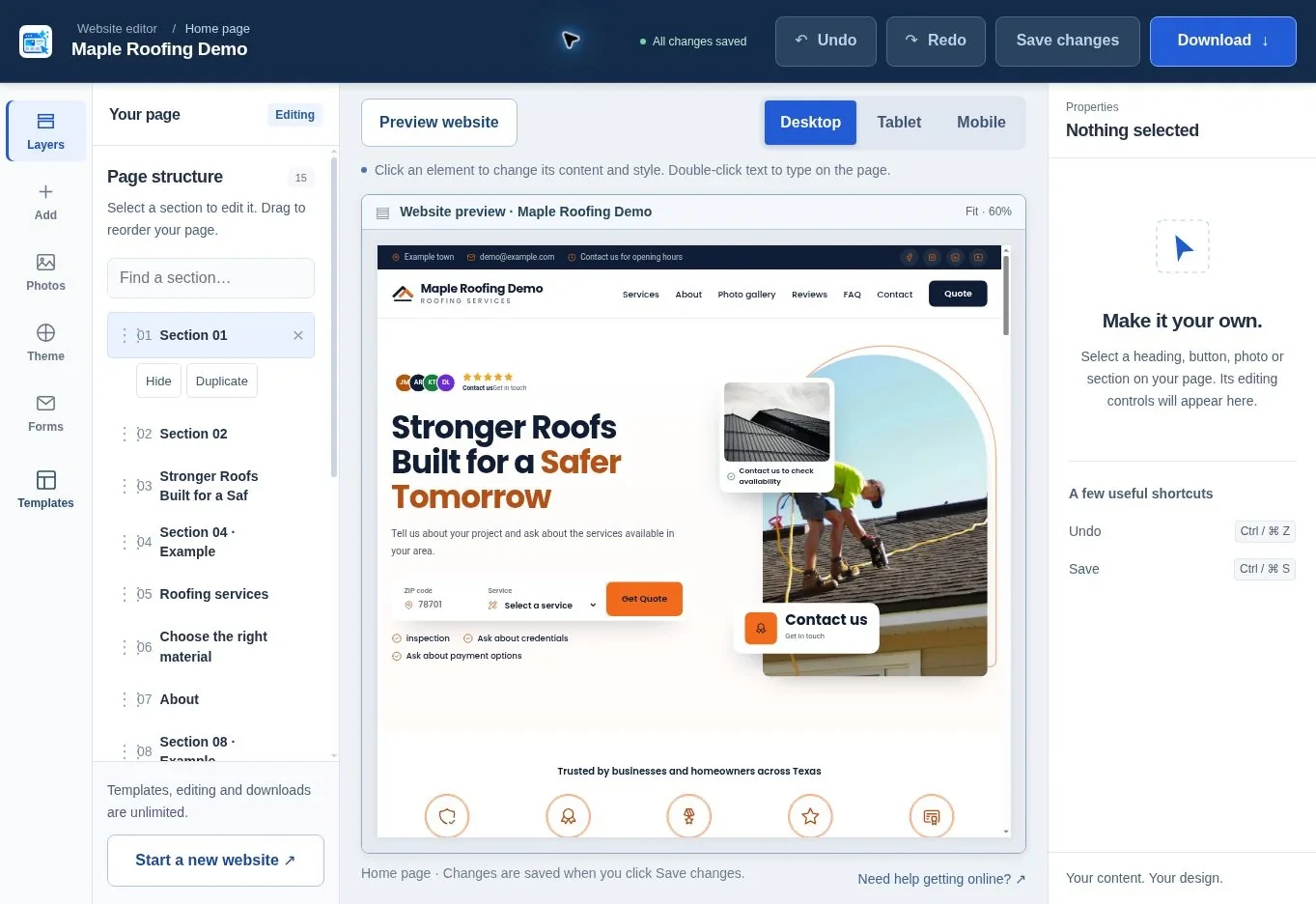
Why include accessibility in the launch checklist?
WebAIM’s February 2026 automated homepage audit found empty links on 46.3% of pages and empty buttons on 30.6%. A launch check should therefore include the accessible names of icon-only controls, not just whether a mouse click works. Source: WebAIM Million 2026.
Check labels and text contrast before approving the site. Automated scans find only some accessibility barriers, so also use the keyboard and test the form yourself.
Which performance numbers should you check?
Google’s good Core Web Vitals thresholds are LCP at most 2.5 seconds, INP at most 200 milliseconds, and CLS at most 0.1, assessed at the 75th percentile of visits. These are performance thresholds, not measured results for your website. Check field data where available and use lab tests to investigate problems. Source: Google web.dev: Web Vitals.
Can a customer complete an inquiry?
The contact journey is ready only when the right person receives the request and knows what to do. Test these five items together.
6. follow every main button
Click the primary action from the opening, services and footer. Confirm each goes to the intended form, phone number or page. Remove empty links and buttons that simply jump to the top. A repeated label should lead to a consistent action.
7. submit a complete form test
Use an external address and recognizable test text. Confirm the actual recipient receives it and can reply correctly. Check spam folders and any CRM destination. A “Thank you” message alone is not evidence of delivery.
8. test validation and errors
Leave a required field empty, enter an invalid email and correct the error. The page should explain the problem and preserve useful answers. W3C's form tutorial covers labels, instructions and feedback that make forms easier to use.
9. confirm booking and payment claims
If the page says an appointment is booked, confirm it appears in the real calendar. If it only sends a request, label it accordingly. For payments, use the payment provider's supported checkout and test the complete approved flow; do not collect card details in an ordinary contact form.
10. assign inquiry ownership
Decide who monitors the inbox and what happens when that person is away. Confirm the response promise shown on the page is realistic. A technically working form still fails the customer when nobody takes responsibility for the message.
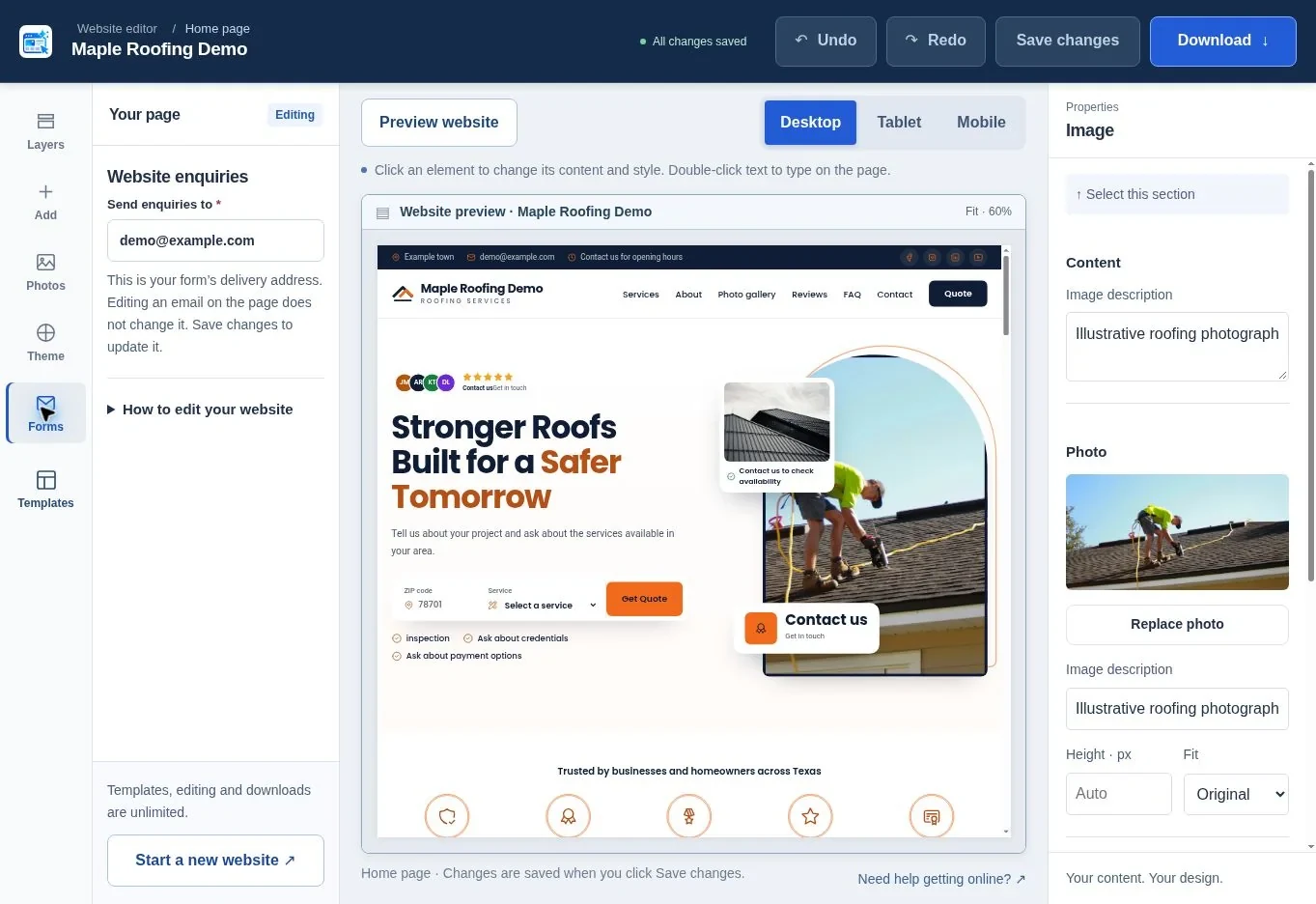
Does the page work across screens and input methods?
Review the website as a visitor, not as its designer. The following five checks catch problems that desktop screenshots often hide.
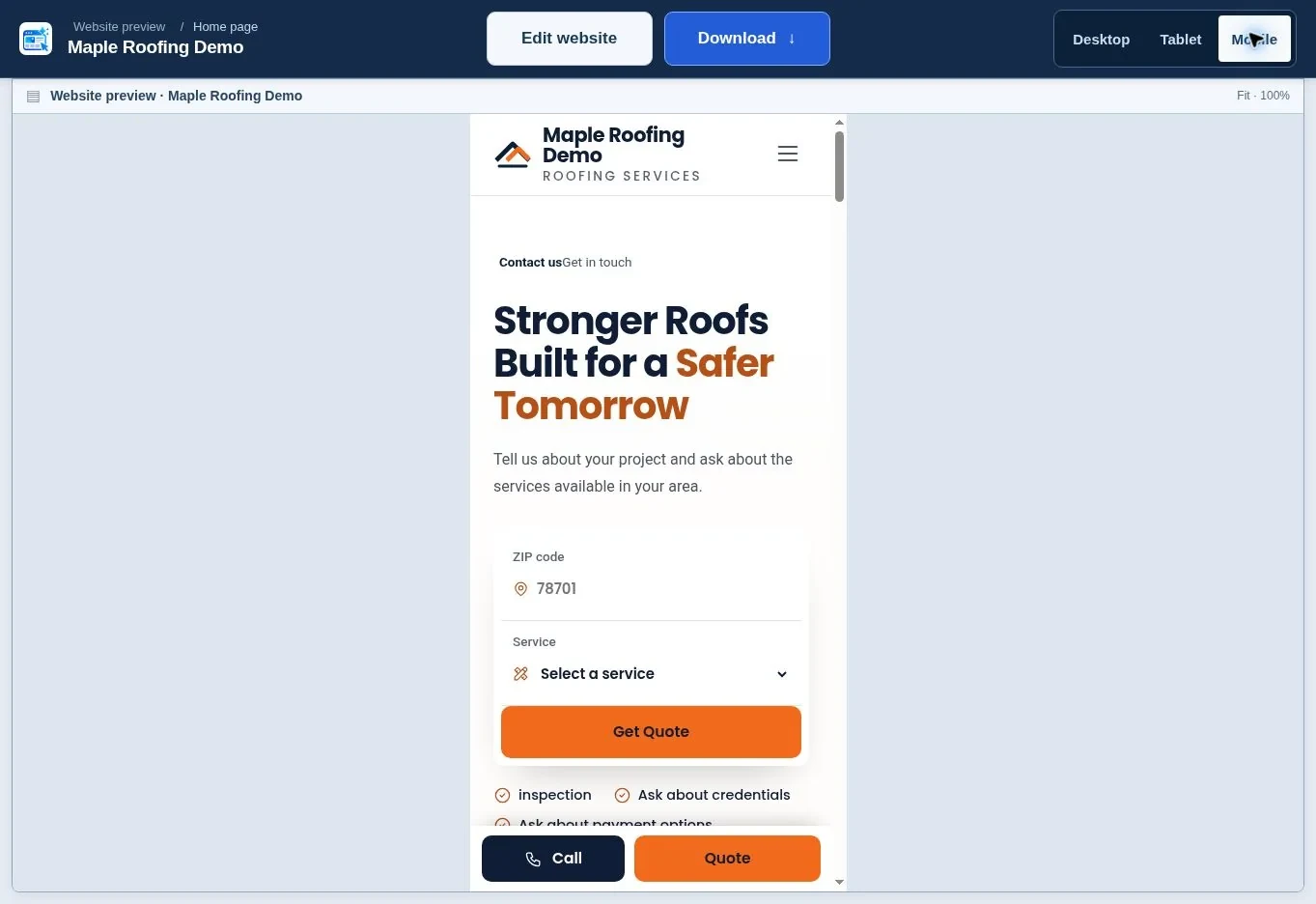
11. check a narrow phone screen
Look for sideways scrolling, clipped headings and oversized images. Open every menu and accordion. Make sure a sticky call bar does not cover a field or the final submit button. Test both short and long service names where the layout changes.
12. use the keyboard
Move through links, buttons and fields with the Tab key. The current focus should be visible and the order should make sense. Open and close menus or dialogs without a mouse. If focus disappears or becomes trapped unexpectedly, fix that before launch.
13. review contrast and text size
Read text against every background, including photographs and colored sections. Check button labels in their normal, hover and focus states. WCAG Level AA contrast guidance uses 4.5:1 for normal text and 3:1 for qualifying large text; a brand palette still needs testing in context.
14. check image descriptions and motion
Give useful images meaningful alt text and avoid repeating decorative content unnecessarily. Make sure animations respect reduced-motion preferences. Essential information should remain readable without waiting for a rotating slide or chasing a moving strip.
15. measure loading and stability
Run PageSpeed Insights on the public URL, then use the page on a phone. Google's Core Web Vitals measure loading, response to input and layout shift. Address large images and unnecessary scripts, but keep checking the real customer task as well as the score.
If your site still needs a starting layout, compare the roofing templates or HVAC templates. The editing guide explains how to revise the content before this final review.
Can search engines find the right public pages?
Make the intended public website accessible and consistent. These five checks help avoid preventable indexing and linking mistakes; they do not guarantee rankings.
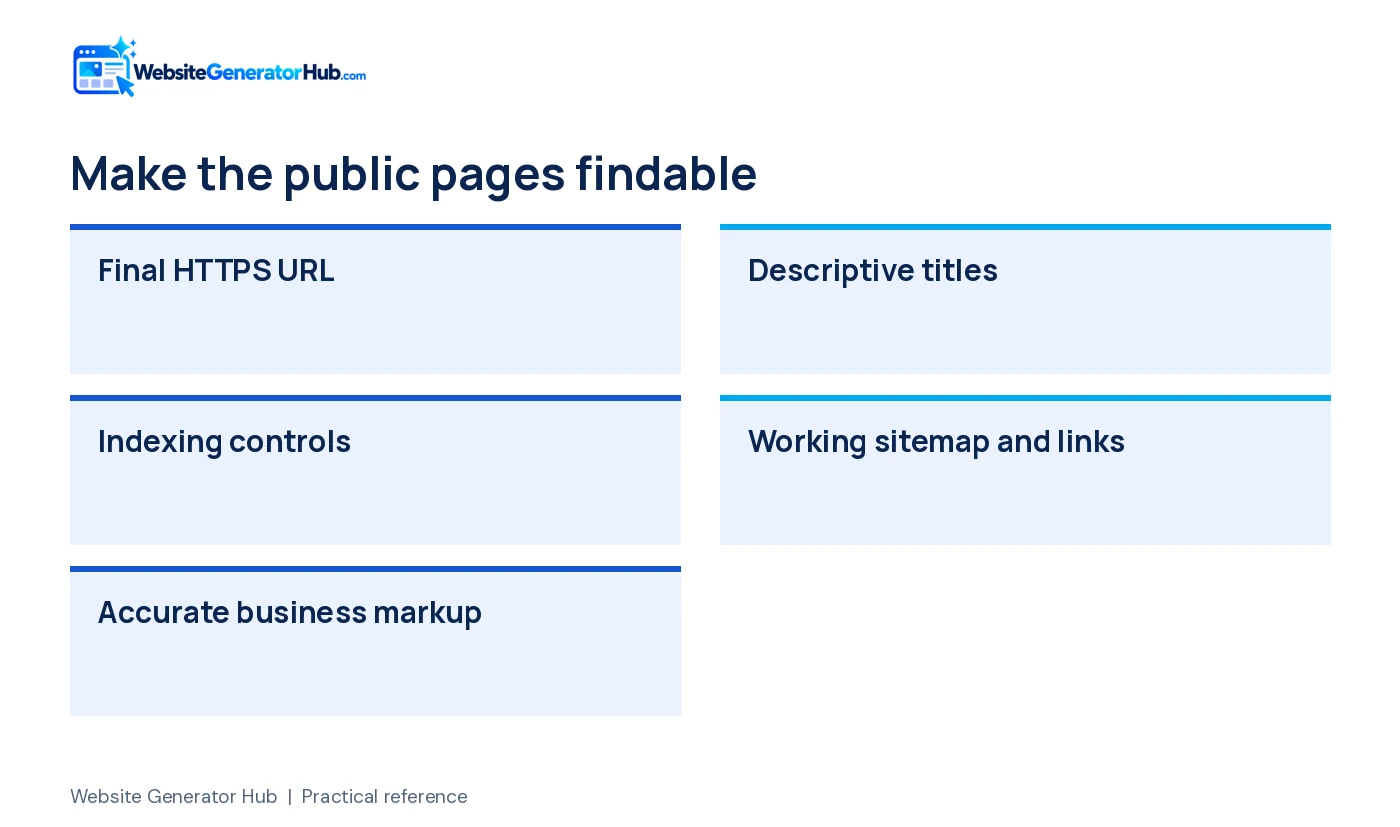
16. use the final HTTPS address
Open the domain directly and check for certificate warnings. Confirm the preferred address is consistent in internal links and metadata. If you have moved an existing site, test important old URLs and the redirects intended to preserve them.
17. check titles and descriptions
Write descriptive titles and useful summaries for each public page. Remove demo business names and wrong locations. A title should identify the page's subject rather than repeat the same vague slogan everywhere. Search engines may still choose a different displayed title or snippet.
18. check indexing controls
Make sure the intended live page is not accidentally marked noindex or blocked from access. Google's noindex documentation explains that this instruction prevents eligible crawlers from indexing the page. Keep private previews and admin pages protected; public indexing settings are not a privacy control.
19. review the sitemap and links
If your site has a sitemap, confirm it loads and lists the intended public URLs. Open menu, footer and important in-content links. Fix broken destinations and exclude private or unfinished pages from public navigation. Submission helps discovery but does not force a search engine to include every URL.
20. check business profiles and structured data
Use accurate business details in visible copy and any structured data. Connect the correct website URL to the genuine Business Profile. Google's local ranking guidance emphasizes complete information alongside relevance, distance and prominence. Do not invent ratings or locations in markup.
Are ownership, privacy and maintenance covered?
Know who controls the website and how it will be kept working. These final five checks are especially useful when someone else built or published the site for you.
21. confirm account ownership and recovery
The business should control the domain, hosting and key service accounts. Record recovery routes and avoid sharing one password among several people. Enable available multi-factor authentication and give suppliers only the access they need. Remove access that is no longer required.
22. confirm backups and restoration
Keep a copy of the delivered files and understand how hosting backups are restored. A backup label is not enough if nobody can recover the site. Record who handles an outage and where the current version is stored before you need it urgently.
23. describe real data practices
Make privacy information easy to find near forms. Explain what information is collected, why and where it goes. For UK operations, the ICO's small-business guidance is a useful starting point. Check requirements for your market rather than copying another business's policy.
24. review analytics and optional tools
Know which analytics, embedded media, advertising or tracking tools run on the page. Configure relevant consent and visitor controls for your circumstances. A banner must reflect what the website actually does; adding one without checking the scripts does not establish compliance.
25. set renewals and a maintenance owner
Record renewal dates, payment responsibility and support contacts. Schedule recurring checks for forms, hours, offers and software updates. If you buy a maintenance service, confirm what is included. A website needs an owner after the launch project is marked complete.
What can you test yourself in two minutes?
Use a two-minute check to catch obvious obstacles, then complete the full review separately. It is a quick triage exercise, not proof that every launch requirement has passed.
- Open the public page on your phone using a fresh browser session.
- Find the main service, location and contact number without searching the footer.
- Tap the phone link and verify the number before placing a call.
- Open the menu, reach the contact form and submit a labeled test.
- Ask the recipient to confirm the message arrived and the reply route is correct.
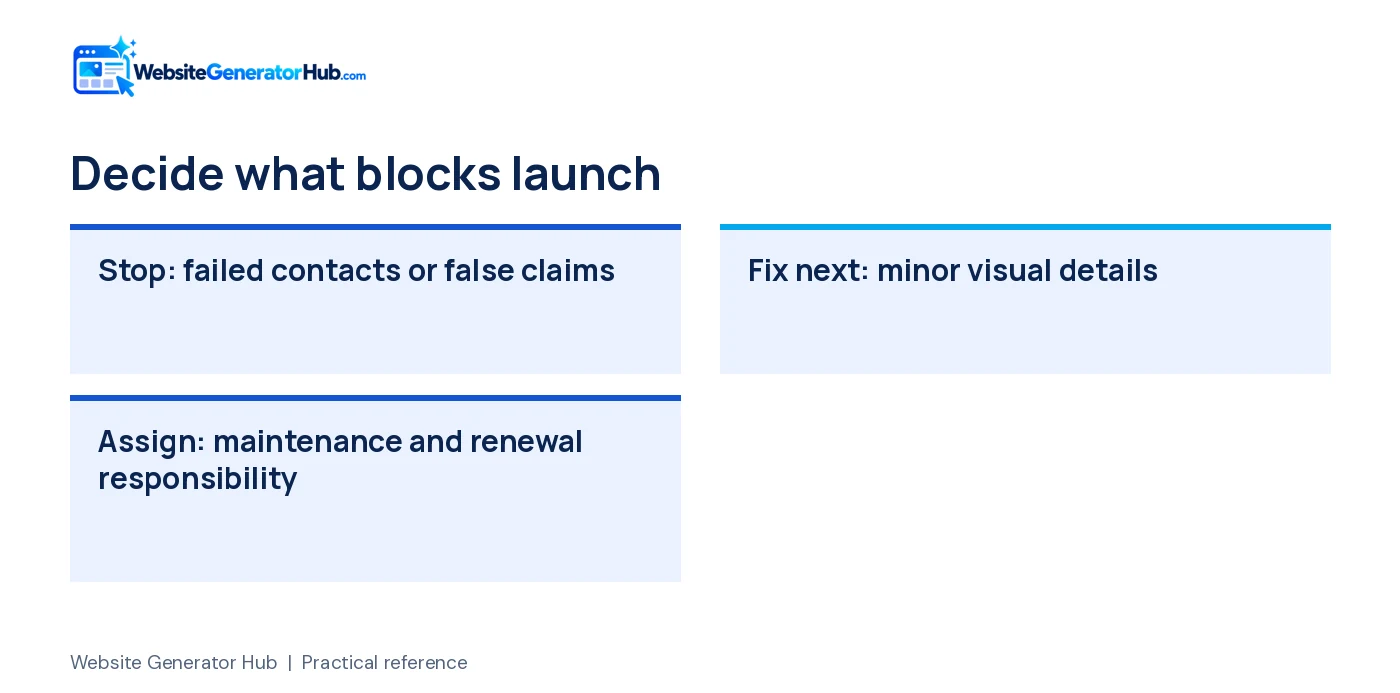
| Result | Decision |
|---|---|
| Wrong number, failed form or serious access problem | Fix before promotion |
| Unsupported review, credential or availability claim | Correct before publication |
| Readable, working page with minor presentation issues | Plan the improvement and recheck after editing |
| No one owns maintenance or renewal access | Resolve ownership before handover |
What should happen after the final check?
Assign any remaining actions and keep the review date with your website records. Then follow the publishing guide and first-month search plan. For trade-specific checks, use the roofing design guide or HVAC checklist. If you still need a website, start with the roofing generator or HVAC generator.
Frequently asked questions
Should I wait until every minor design detail is perfect?
Fix inaccurate claims, broken contact routes and serious usability problems first. Small visual refinements can follow a controlled launch when the site already serves customers correctly. Keep a written list and review each change afterward. Publishing quickly should not mean ignoring information that affects a customer's decision.
Is a successful test form enough to prove delivery will always work?
No. It proves that particular test completed under those conditions. Hosting, mail settings and spam filters can change later. Repeat the test after relevant updates and monitor real inquiries. Keep an alternative contact method visible so a temporary form problem does not leave customers with no route to the business.
How soon should the website appear on Google?
There is no guaranteed deadline. Google says crawling can take days or weeks, and an indexing request does not guarantee inclusion. Confirm that the site is accessible, useful and correctly configured, then monitor Search Console. Repeatedly submitting the same URL is not a substitute for fixing a problem.
Does this checklist prove legal or accessibility compliance?
No. It is a practical first review and cannot cover every business, jurisdiction or disability-related need. Use it to identify issues and questions for a qualified reviewer. Requirements depend on your services, audience and technology, so a generic policy page or automated score cannot establish complete compliance.
What should I receive from the person launching my website?
Ask for the account and domain ownership details, website files where applicable, form-test evidence, editing instructions and renewal information. Record the scope of any ongoing support and who handles problems. A screenshot of the finished homepage is useful for reference, but it is not a complete operational handover.
What should I check again after a redesign?
Repeat contact, mobile and search checks, even when the domain stays the same. Review important old URLs, redirects, analytics and form destinations. New layouts can reintroduce sample details or hide a button. Keep a copy of the previous working version so you have a recovery route if something fails.
Sources & further reading
Sources checked .
- FTC review rule questions and answers (opens in a new tab)www.ftc.gov
- W3C forms tutorial (opens in a new tab)www.w3.org
- W3C contrast guidance (opens in a new tab)www.w3.org
- Google Web Vitals (opens in a new tab)web.dev
- Google recrawl documentation (opens in a new tab)developers.google.com
- Google local ranking guidance (opens in a new tab)support.google.com
- Google noindex documentation (opens in a new tab)developers.google.com
- ICO small-business privacy guidance (opens in a new tab)ico.org.uk
- WebAIM Million 2026 (opens in a new tab)webaim.org