Website guidesProduct guides
How to launch your website with a domain and hosting
Learn how to publish your website on your own domain. Compare DIY setup and launch help, connect hosting and HTTPS, then test the inquiry form.


The short answer
How to launch your website with a domain and hosting
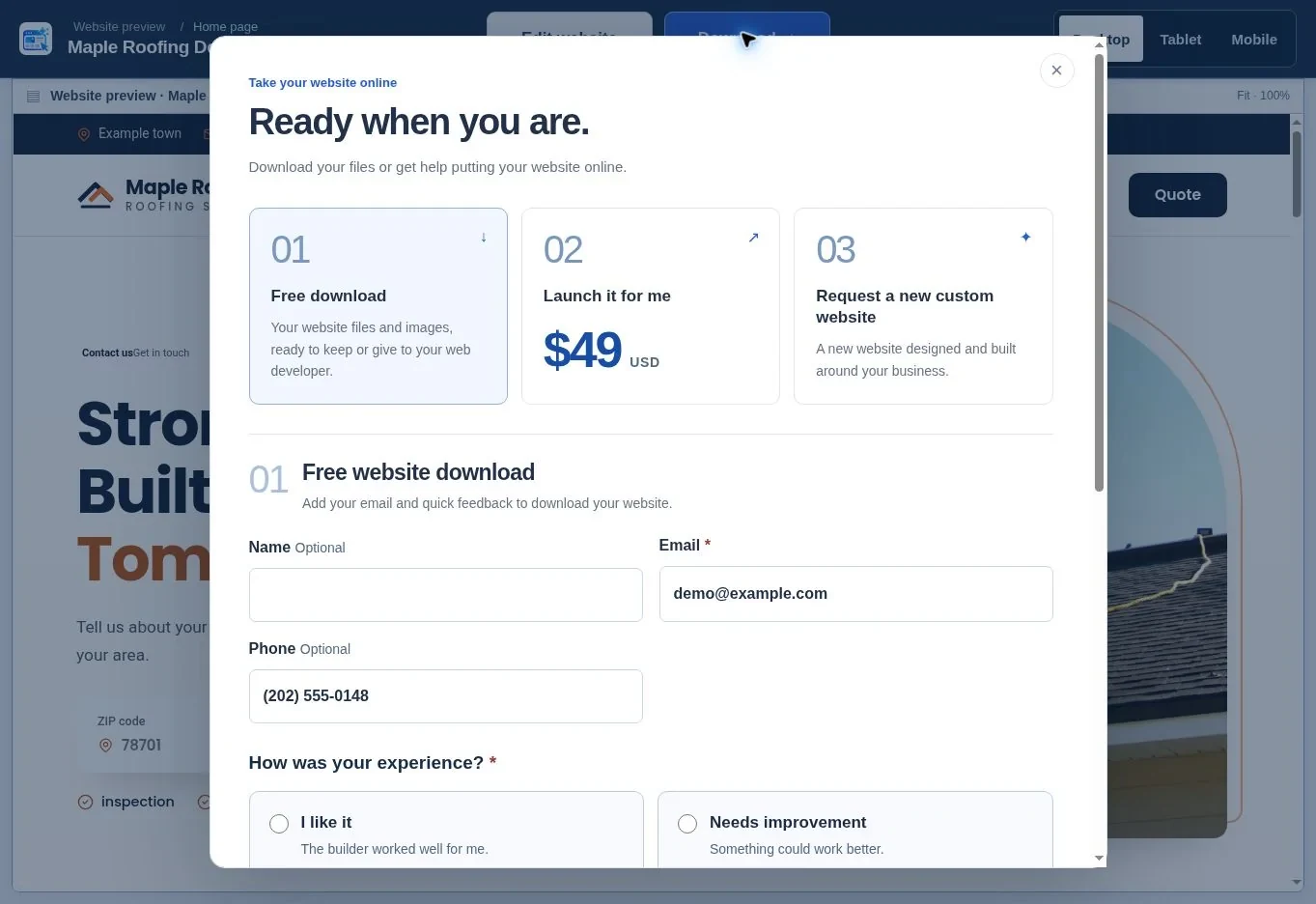
To publish your Website Generator Hub website, save and download it, upload the complete package to compatible hosting, connect your domain and enable HTTPS. Then configure the inquiry form and test it at the live address. You can do this yourself or request the launch service for your selected, finished website.
What to remember
- A domain is the address; hosting is where the website files run.
- Downloading files or creating a temporary preview does not launch your own domain.
- The included inquiry endpoint needs PHP, outgoing email and form-security settings.
My recommendation: Use hosting compatible with the downloaded files and contact endpoint. Connect the domain, enable HTTPS, configure email and prove delivery with a real test before announcing the launch.
- A domain is the address; hosting is where the website files run.
- Downloading files or creating a temporary preview does not launch your own domain.
- The included inquiry endpoint needs PHP, outgoing email and form-security settings.
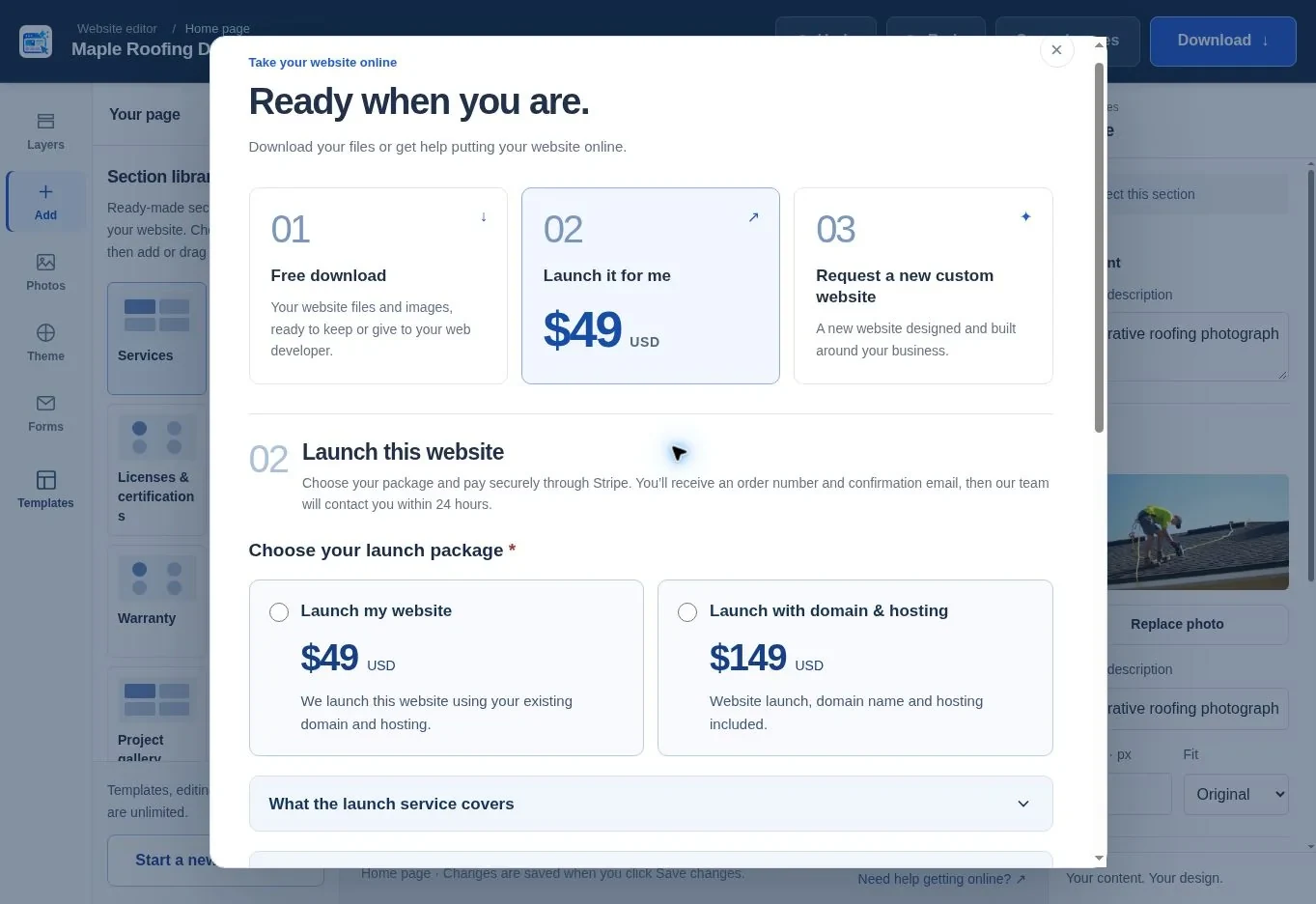
- Launch help starts at $49 USD; a $149 USD package includes specified domain and hosting services.
Start with a saved design you have reviewed. If the page still needs work, follow the editing guide before changing DNS or buying a launch package.
What do domain hosting and HTTPS mean?
Your domain is the name people type, such as example.com. Hosting stores and serves the website files. HTTPS encrypts the connection between a visitor and the site and depends on a valid certificate for the address being used.
Complete all three launch tasks: upload the website files, connect the domain and configure inquiry delivery. Test each one at the live address.
Keep the domain registered with contact details your business controls. Record where the domain, hosting and email are managed, because they may be three different services. If someone helps with launch, agree access and ownership arrangements before sharing credentials.
What should you check on the live address?
A Vodafone experiment reported on web.dev in 2021 connected a 31% improvement in Largest Contentful Paint with 8% more sales. Treat that historical result as a reason to test the deployed site, not as a promised return. Hosting and asset delivery are part of the launch check. Source: web.dev: Vodafone performance case study.
After upload, open the real domain on a phone and test the menu, phone link and form. A desktop-only preview misses part of the launch review.
Which numbers belong in your launch budget?
Our published launch options are $49 USD with an existing compatible domain and hosting, or $149 USD including the specified setup. The latter includes 12 months of hosting and one year of an eligible standard-priced domain. Renewal is a separate cost. Compare that defined launch scope with any custom-design proposal. Source: WebsiteGeneratorHub: Terms of Use.
Should you publish it yourself or use launch help?
Publish it yourself if you are comfortable managing hosting files, DNS and form configuration. Choose launch help if you want the selected website put online for you, with its scope agreed before work starts.
| Route | Starting charge | You still need to check |
|---|---|---|
| Download and publish yourself | Free website files; your provider costs are separate | Hosting compatibility, domain, HTTPS and form delivery |
| Launch my website | $49 USD | Your existing domain, compatible hosting and authorized access |
| Launch with domain & hosting | $149 USD | Domain availability, included term and renewal arrangements |
The published $149 package includes 12 months of hosting and one year of an available standard-priced .com, .net or .org domain. Premium and aftermarket domains are excluded. Hosting and domain renewals after the included term are separate; the current terms require a quote and approval rather than an automatic renewal charge through checkout.
Read the current launch terms before payment. The selected one-page site is the scope: redesigns, additional pages, migrations, ongoing maintenance and later content work are separate. Do not assume “hosting included” also means email mailboxes or ecommerce.
How do you prepare a download for your hosting?
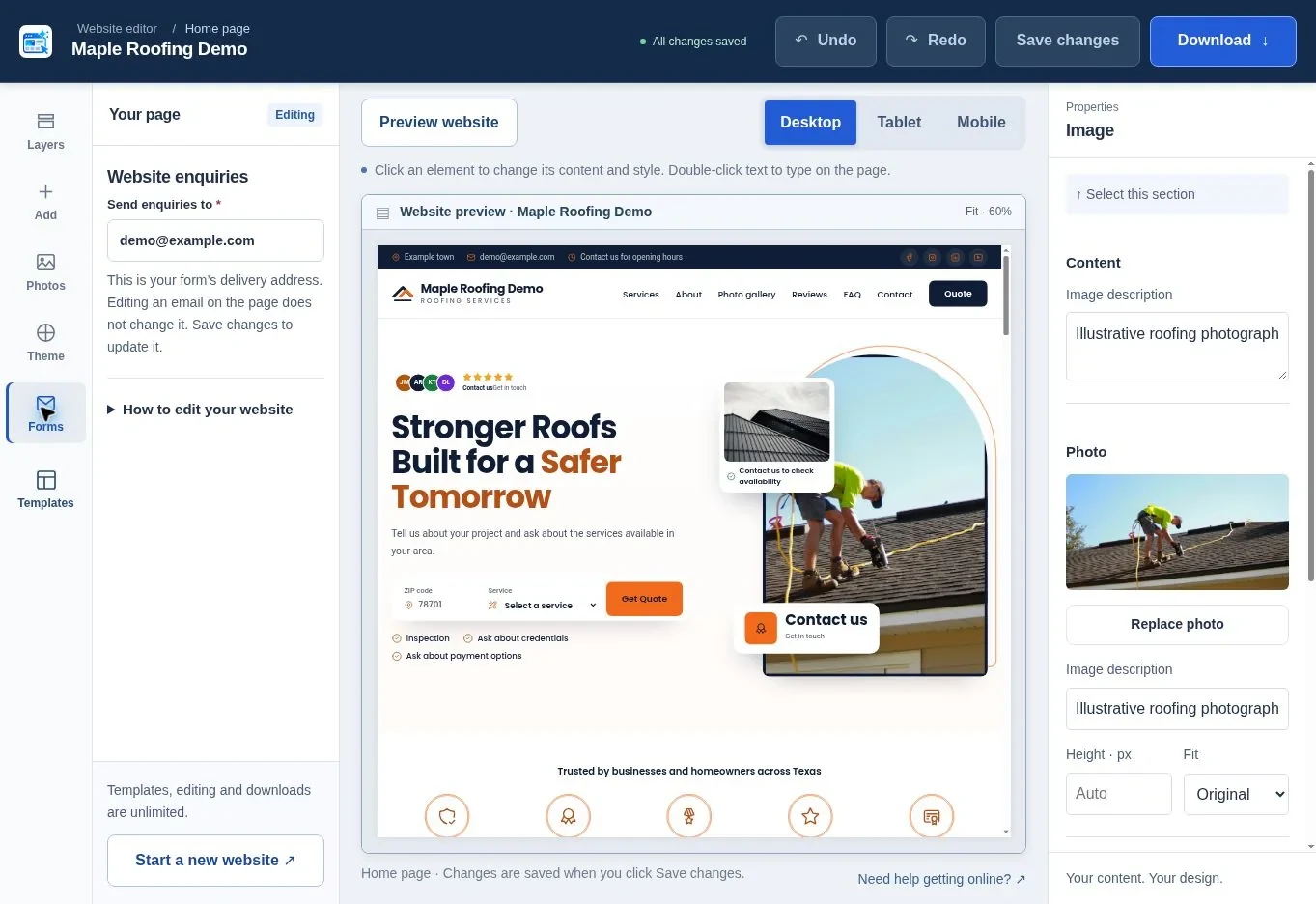
Save the final version, download the ZIP and retain an untouched copy. Extract a working copy and read README.txt before uploading. Keep the supplied folder structure intact so photographs and other assets remain connected to the page.
Check the hosting requirements with your provider. The included quote endpoint needs PHP, the mbstring extension, outbound HTTPS requests and working outgoing email. A static-only host may display the page but cannot execute the included PHP form. Do not assume a drag-and-drop hosted builder accepts an unrelated website ZIP.
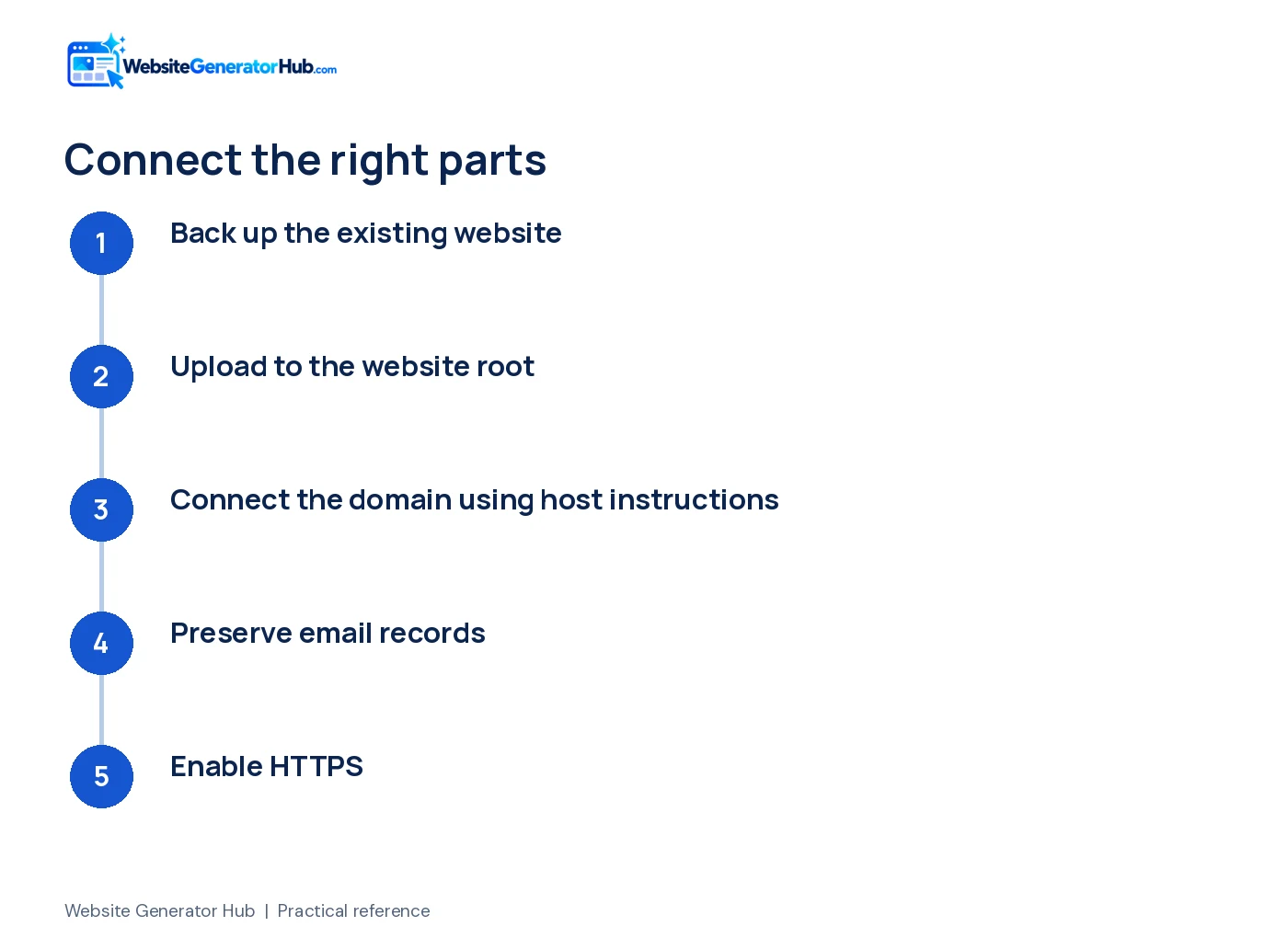
If replacing an existing website, back it up first and agree how old URLs should be handled. Avoid deleting the live site before you have confirmed the new package works. Map important old pages to suitable destinations and preserve useful content when moving to a one-page design.
The download includes a privacy page to review. Update it to describe the business and the actual way inquiries, hosting and any analytics are handled. A template privacy page should not be treated as a personalized legal review.
How do you upload the files and connect a domain?
Use your host's file manager or supported transfer method to upload the package into the correct website directory. On Hostinger web hosting, its documentation identifies public_html as the website folder. Other hosts may use a different name.
- Open the hosting account for the correct domain.
- Confirm or create a backup of any existing site.
- Upload and extract the website package into the website root.
- Check that the entry page and assets are directly in the expected location, not inside an extra ZIP folder.
- Follow the host's instructions to point the domain.
- Activate HTTPS for the domain and test the live address.
Hostinger provides an upload walkthrough with its current controls. Use the instructions for the service you bought rather than copying a server address from an unrelated guide.
Be careful when changing nameservers. They can also change who manages email records. Hostinger's domain-pointing guide explains the difference between changing nameservers and using an A record while keeping DNS elsewhere. Preserve the records required by your existing email provider.
How do you make sure the inquiry form works?
Configure the included endpoint as README.txt describes, then send a test from the actual live website. A form that looks correct, or a confirmation message on screen, is not proof that the inquiry reached your inbox.
Use your own Cloudflare Turnstile widget for the live domain and configure its site key, secret key and expected hostname in the hosting environment. The secret must stay on the server, not in public HTML or JavaScript. Confirm the receiving address and outgoing-email settings with the host.
Test with information you recognize: a name such as “Website launch test,” an email you can check and a short message. Confirm receipt in the destination mailbox, including spam or quarantine folders. Reply to the inquiry to check the response path too.
If delivery fails, keep the website unpublished to customers or provide a reliable phone action while the issue is fixed. Give your host or developer the error and test time, but do not post mail passwords or secret keys in a support screenshot.
For a new project, the roofing generator and HVAC generator both lead to the same download-and-launch choices. The creation guide covers the earlier steps.
What happens if you choose launch it for me?
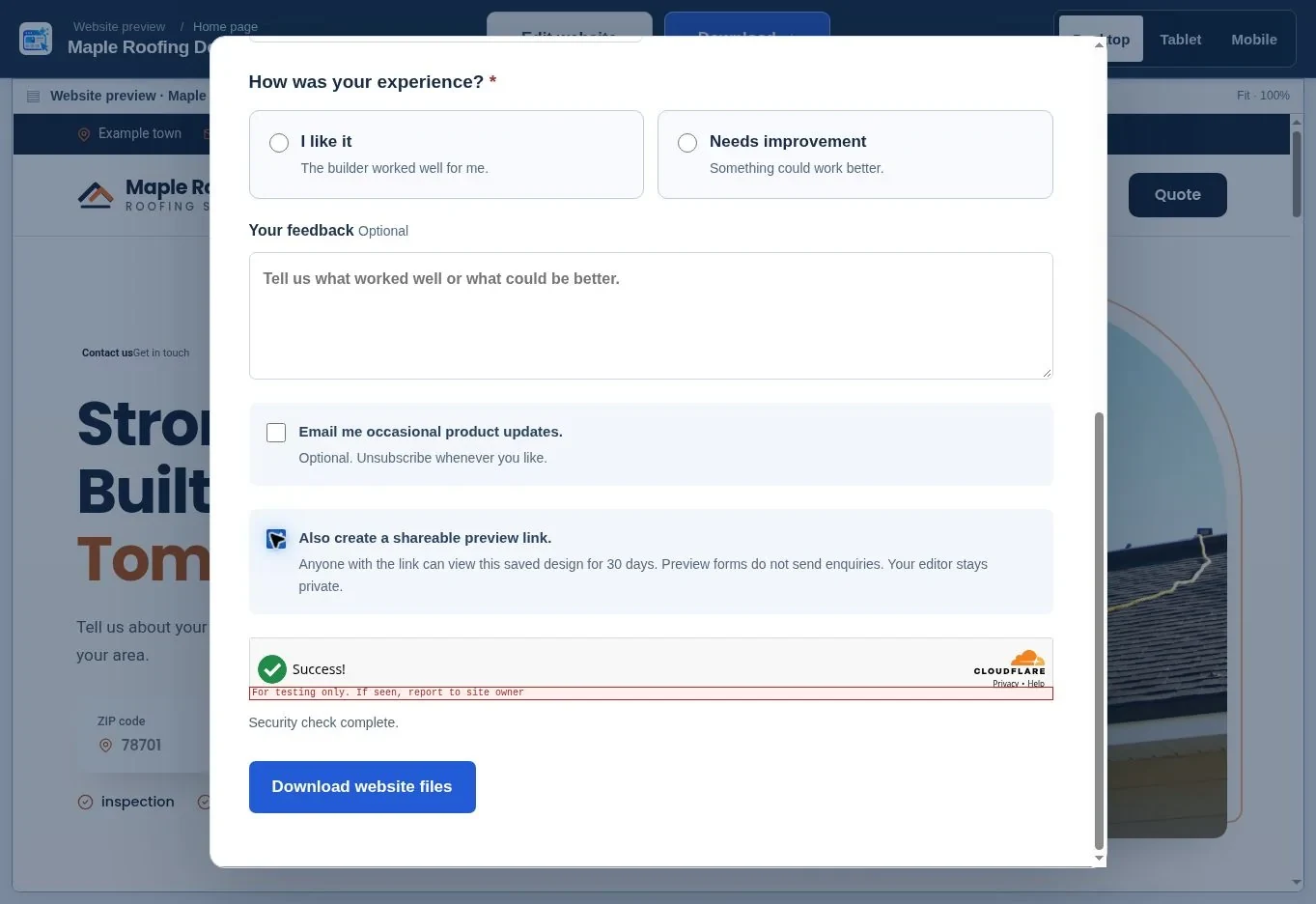
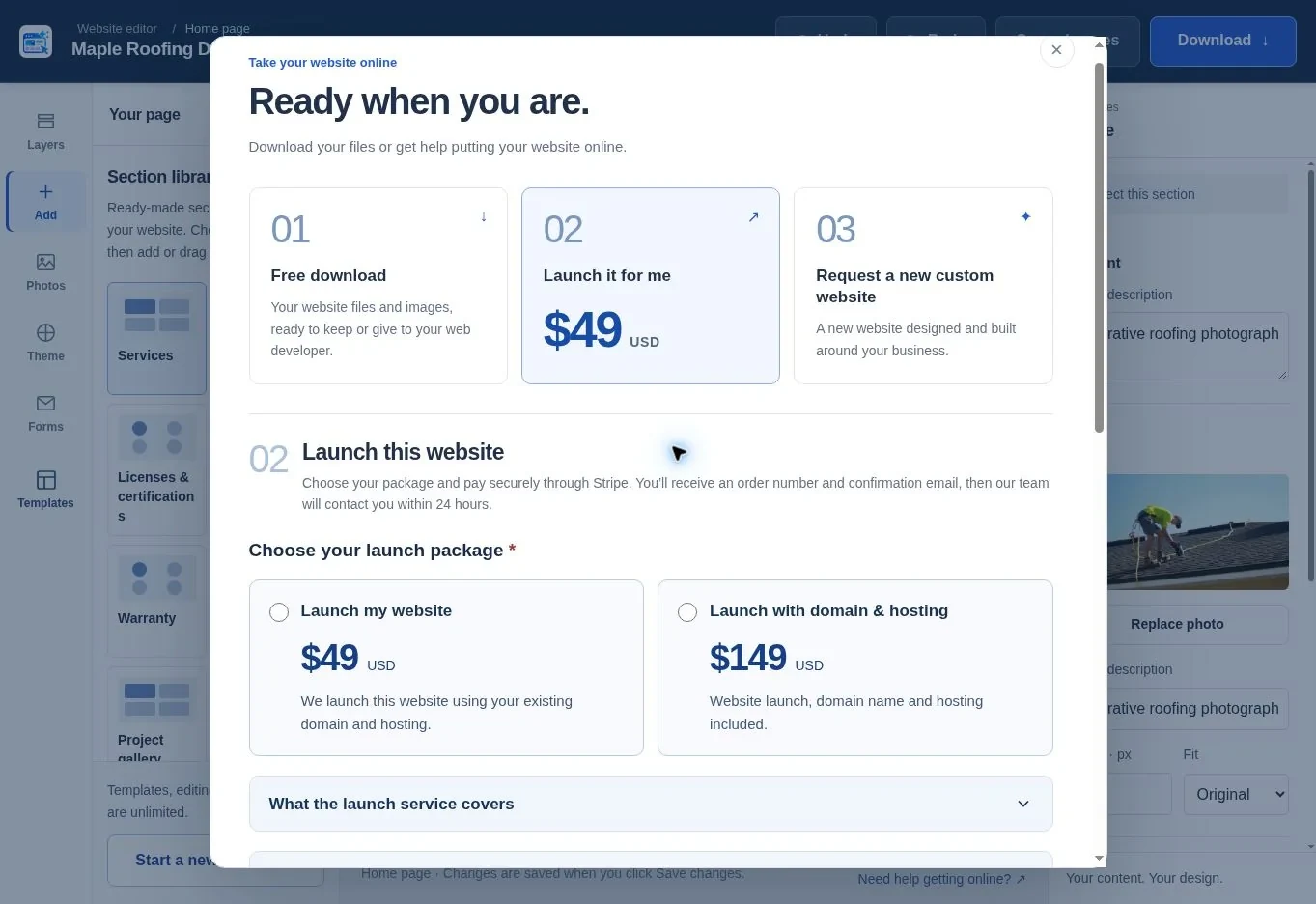
Open the launch options from your saved website or download confirmation, choose the appropriate package and complete the form. Review the scope and terms, then pay through Stripe Checkout. After payment is verified, keep the order number and confirmation email.
A representative is due to contact you within 24 hours to confirm the website, access requirements and next steps. That is a response time, not a promise that the website will be live within 24 hours. The launch date depends on the agreed work, compatibility and information supplied.
For an existing domain, arrange authorized access through the agreed process. For a new domain, check availability and prepare two alternatives. Do not put passwords in your public website description or an ordinary project message.
If payment completed but the email is missing, check spam and contact support with the order details. Do not pay again simply to trigger another email. A custom website request is a separate inquiry for a new build, not an upgrade silently included in launch setup.
When is the website ready to share?
Share the live website when the address works securely, the content is accurate and a test inquiry has reached the business. Keep the original download and access records. If you want the team to handle setup, open the launch options on your saved project and review the current scope before paying.
Frequently asked questions
Can I use a domain I already own?
Yes, provided you can authorize the necessary DNS or hosting changes. You do not necessarily need to transfer the domain to a new registrar. Confirm who manages the domain, DNS and email first, and preserve existing email records when connecting the website to a different hosting account.
Can I upload the package to a static-only host?
A static host can display suitable HTML and assets, but it cannot run the included PHP inquiry endpoint. Use compatible PHP hosting or have a developer replace the form with a suitable service. Test the actual replacement before publishing; the visual presence of a form does not establish delivery.
Does the $149 package include hosting forever?
No. The published package includes a defined hosting term and domain-registration period, with renewals handled separately. Read the terms displayed before payment for current details. Keep the service start and end dates so you can renew or arrange a download or transfer before the included services expire.
Is a shareable preview the same as a live business website?
No. The hosted preview is a temporary saved design on a separate hostname, normally available for 30 days when enabled. It is intended for review, and its forms do not send inquiries. A live business website uses your chosen domain and needs its hosting and contact delivery configured.
Do I have to change the whole design before publishing?
No. You can keep a template's layout if it suits the business. Replace or remove demonstration content and check contact information, images, services and claims. The template-or-generation guide explains how to choose a sensible starting design without unnecessary rebuilding.
What should I do immediately after launch?
Open the live address on a phone, test the menu and contact links, and confirm one form submission reaches the right inbox. Then connect search tools and update your business profiles. Use our first-month search plan to organize the next steps without expecting instant rankings.
Sources & further reading
Sources checked .
- Published Website Generator Hub service terms (opens in a new tab)websitegeneratorhub.com
- Website Generator Hub FAQ (opens in a new tab)websitegeneratorhub.com
- Hostinger website upload instructions (opens in a new tab)www.hostinger.com
- Hostinger domain connection instructions (opens in a new tab)www.hostinger.com
- WebsiteGeneratorHub: Terms of Use (opens in a new tab)websitegeneratorhub.com
- Pew Research Center Mobile Fact Sheet 2026 (opens in a new tab)www.pewresearch.org
- web.dev: Vodafone performance case study (opens in a new tab)web.dev